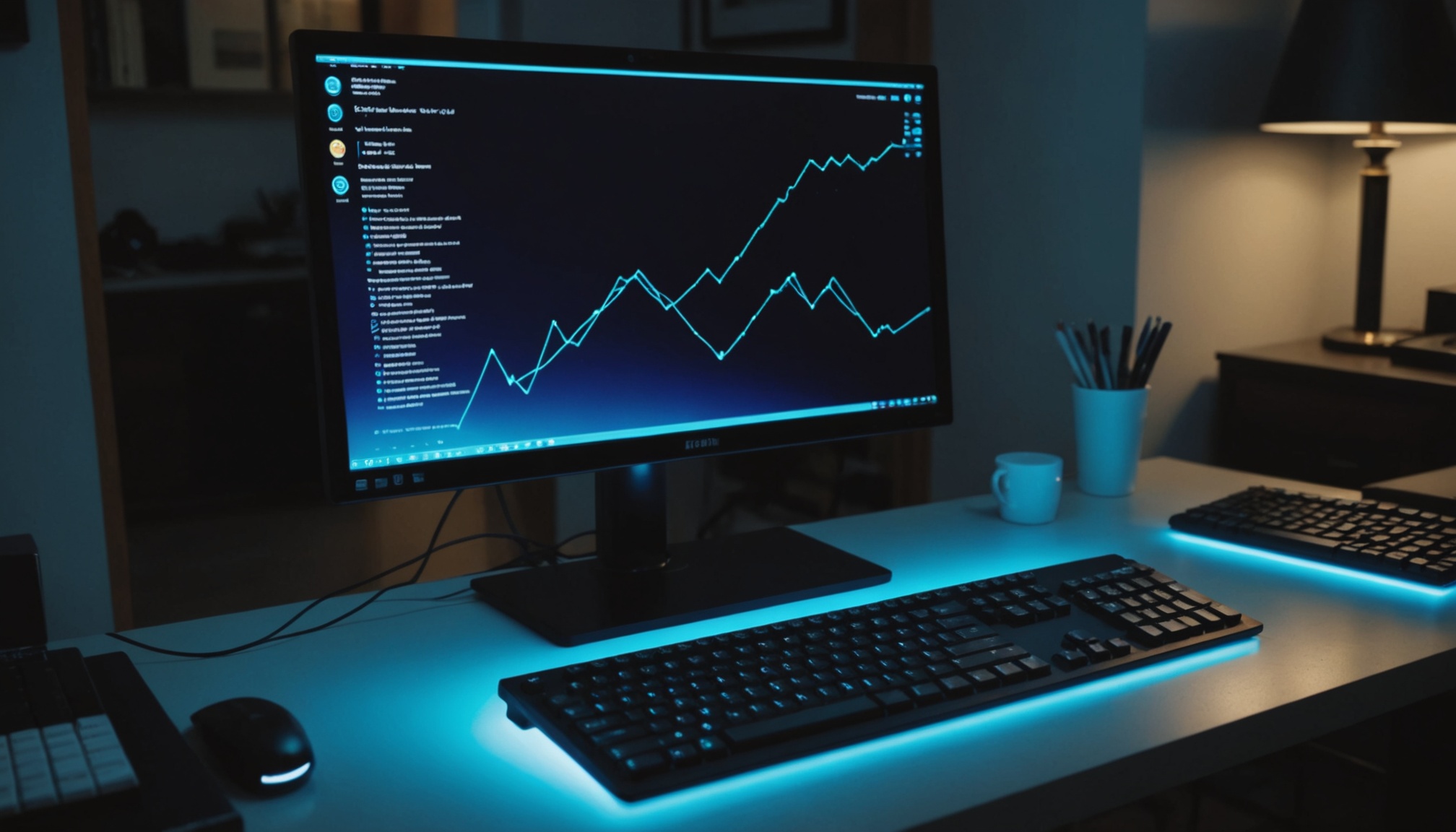
The 1ms printed on a monitor spec sheet is almost always a GtG figure, while the visible length of motion blur is governed by MPRT. The two measure entirely different things. GtG is how long a pixel takes to change color; MPRT is how long the changed frame stays in front of your eye. That is why blur persists even on panels whose pixel transitions are effectively instant.
Apply the published measurement rules and you can convert blur into pixels. On a 240Hz monitor showing content moving at 1,000 pixels per second, blur runs about 4.2 pixels — a fourfold gap from the 1ms on that same monitor's spec sheet.

GtG Is Transition Time, MPRT Is Visible Time
GtG (gray to gray) is the time a pixel takes to shift from one gray level to another. It reflects how fast liquid crystal physically twists, so it depends on panel type and drive voltage. Those panel-level differences are covered in the IPS, VA, TN and OLED comparison.
MPRT (moving picture response time), as explained by Samsung Display, is measured differently. A fixed pattern is displayed and moved at a constant speed, then photographed so the smear in the captured image can be analyzed. It looks at motion across the whole screen rather than one pixel's transition.
The decisive distinction appears in Blur Busters' GtG-versus-MPRT explainer. Even with instantaneous pixel transitions — GtG of 0ms — a sample-and-hold display keeps each frame lit until the next one arrives, and the eye tracking that motion generates blur on its own. MPRT is how long a pixel remains continuously visible, and real-world blur can be worse than this theoretical figure because GtG is never truly zero.
An analogy: GtG is shutter speed, MPRT is exposure time. However fast the shutter snaps, a long exposure still smears the photo.
How Many Pixels of Blur at 240Hz?
The Blur Busters rule is simple: 1ms of persistence produces 1 pixel of motion blur at 1,000 pixels per second. Two milliseconds gives roughly 2 pixels, four gives roughly 4. And on a sample-and-hold monitor with no strobing technology, persistence equals the time one frame stays on screen — the inverse of the refresh rate.
Divide one second by the refresh rate and you get the theoretical MPRT, which converts directly into pixels of blur.
| Refresh rate (Hz) | Frame persistence = theoretical MPRT (ms) | Blur at 1,000px/s (pixels) | Blur vs. 60Hz |
|---|---|---|---|
| 60 | 16.7 | 16.7 | baseline |
| 120 | 8.3 | 8.3 | 1/2 |
| 144 | 6.9 | 6.9 | 0.41x |
| 240 | 4.2 | 4.2 | 1/4 |
| 360 | 2.8 | 2.8 | 1/6 |
| 480 | 2.1 | 2.1 | 1/8 |
Two things stand out. First, returns shrink fast. Going from 60Hz to 120Hz removes 8.4 pixels of blur; 144Hz to 240Hz removes 2.7; 240Hz to 360Hz removes only 1.4. Each doubling costs more while delivering half the previous improvement.
Second, there is the gap between the spec number and reality. A 240Hz monitor advertising 1ms GtG still shows roughly 4.2 pixels of blur unless strobing is enabled — a fourfold distance between the printed figure and what the eye receives.

This table only holds when frame rate keeps up with refresh rate. Feed a 240Hz monitor only 120fps and each frame displays twice, pushing persistence back to 8.3ms. Raising refresh rate while the graphics card cannot hit the target frame rate will not move you down the right-hand column. Actual frame rate comes before refresh-rate specs.
The Conditions Behind a 1ms MPRT Claim
There is a way to reach 1ms MPRT without pushing refresh rate to 1,000Hz: switch the backlight off while the frame changes and back on once the image has settled. It goes by motion blur reduction (MBR) or backlight strobing. Shortening the time the image is lit shortens persistence, and blur falls with it.
It comes at a price. A Korean community guide distinguishing 1ms (MPRT) from 1ms (GtG) lands on the same point: the 1ms MPRT figure appears only with motion blur reduction enabled, and because the backlight is cycled off and on, brightness drops and flicker appears. Strobing also tends to be difficult to run alongside variable refresh rate.
- Drops persistence into the 1-2ms range without raising refresh rate
- Blur reduction is most visible in content with fast horizontal panning
- Costs nothing extra — it changes how an existing panel is driven
- Screen brightness falls because the backlight is cycled off
- Flicker appears, and some users report fatigue over long sessions
- Often cannot be used together with variable refresh rate
The 1ms GtG label carries conditions too. Liquid crystal clears faster when the applied voltage swing is larger, and overdrive exploits this by momentarily driving the panel above standard voltage. Published measurements note that panels rated 1ms GtG with overdrive at maximum frequently measure 3-5ms with overdrive off. Push overdrive too hard and you get overshoot — the pixel passes its target brightness and falls back — replacing smear with a bright fringe trailing the moving object.
| Spec label | What it measures | Condition attached | With that condition off |
|---|---|---|---|
| 1ms (GtG) | Pixel transition time | Overdrive at maximum | Same panel measures 3-5ms; overshoot disappears |
| 1ms (MPRT) | Frame persistence | Motion blur reduction (backlight strobing) on | Reverts to the inverse of refresh rate — 4.2ms at 240Hz |
| Panels with near-zero GtG | Pixel transition time | Self-emissive structure | Not applicable — but MPRT is still set by refresh rate |
That third row is the most commonly misread. Even with instantaneous transitions, a sample-and-hold display has its persistence set by refresh rate. Just as HDR certification tiers only hold under specified brightness conditions (see DisplayHDR tier requirements), a response-time figure has to be read together with its measurement conditions.
The 1ms on a spec sheet tells you how fast a pixel changes. It says nothing about how long that frame lingers in front of your eye.

Who This Fits, and Who Should Wait
- Competitive FPS players — raising refresh rate is the arithmetically reliable move, more so than chasing a printed response time. At 240Hz and above, blur falls to roughly 4.2 pixels even without strobing
- Users in bright rooms or who require VRR — treat 1ms MPRT as a footnote. It is a mode you can only enable by accepting reduced brightness and VRR limitations
- Document and video use — the biggest single gain is 60Hz to 120Hz (16.7 to 8.3 pixels). Past that, improvement per won falls off sharply
- If your GPU cannot hit the target frame rate — persistence follows the actual frame rate regardless of the panel's refresh rate. Secure frame rate first
- When reading a spec sheet — check the parenthetical next to 1ms for GtG or MPRT. For GtG, ask whether the number holds at default overdrive; for MPRT, ask which mode it was measured in