Why a 27-inch 4K monitor at 150% scaling matches QHD
PPI is the diagonal pixel count divided by diagonal inches. A 27-inch 4K monitor has 163.2 PPI, exactly 1.5 times QHD's 108.8, so at 150% scaling its text size and workspace match QHD at 100%.
PPI is the diagonal pixel count divided by diagonal inches. A 27-inch 4K monitor has 163.2 PPI, exactly 1.5 times QHD's 108.8, so at 150% scaling its text size and workspace match QHD at 100%.
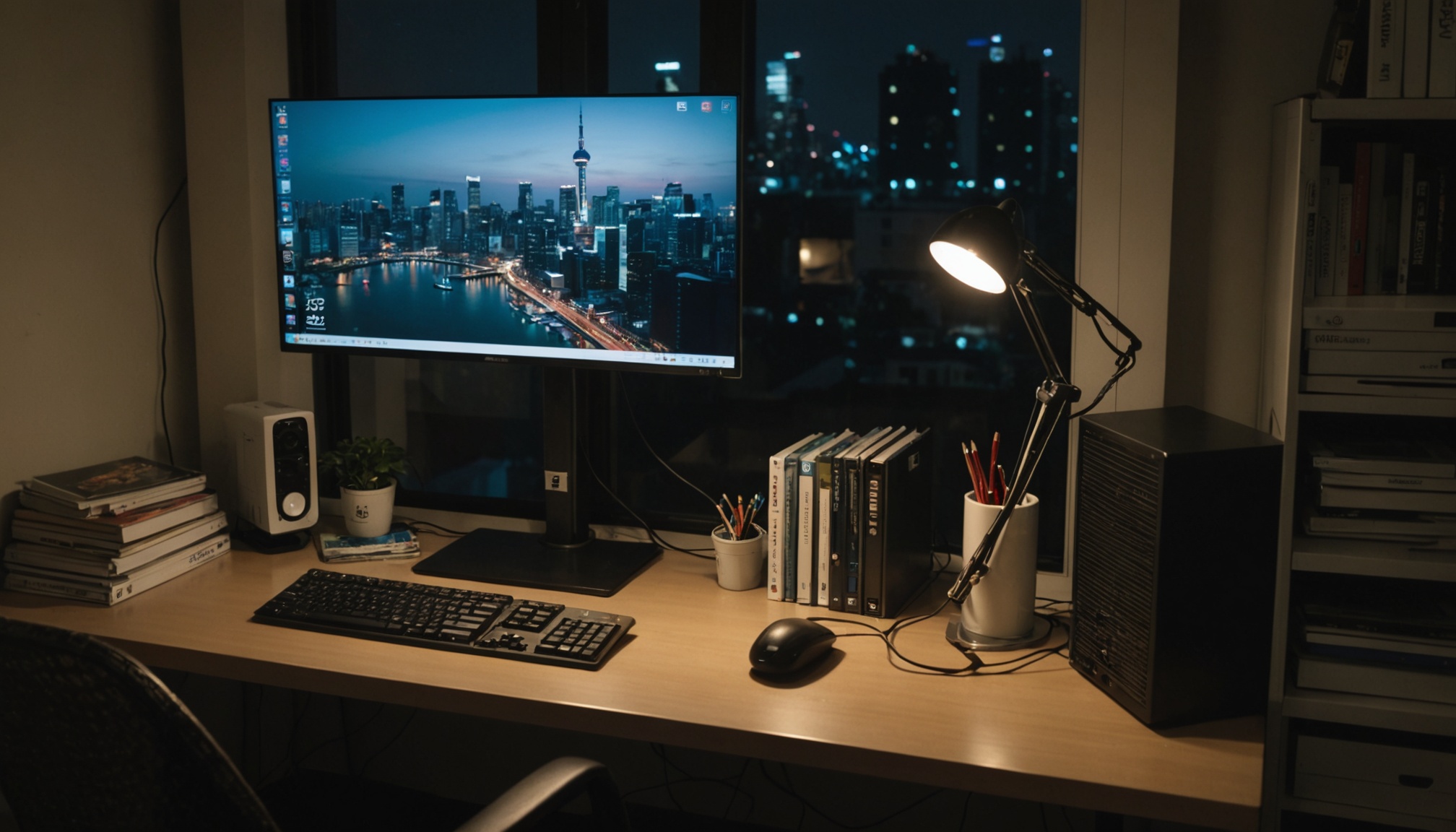
Convert refresh rate to time and 60Hz is 16.7ms, 144Hz is 6.9ms, 240Hz is 4.2ms. Going from 60 to 144 buys 9.7ms; going from 144 to 240 buys just 2.8ms. The same point is where cable bandwidth starts to bite.
A 1ms response time means different things depending on whether it was measured as GtG or MPRT. A 240Hz panel holds each frame for 4.17ms — getting to 1ms requires backlight strobing.
“DCI-P3 99%” and “sRGB 130%” measure different things. Coverage caps at 100%; area and volume can exceed it. Converted against CIE 1931 areas — sRGB 35.0%, DCI-P3 53.6% — here is how to read either number.
DisplayHDR 400 requires no local dimming and allows a black level of 0.4 nits. Divide the certified numbers and the guaranteed floor is just 1,000:1 — while True Black 400 reaches 800,000:1.
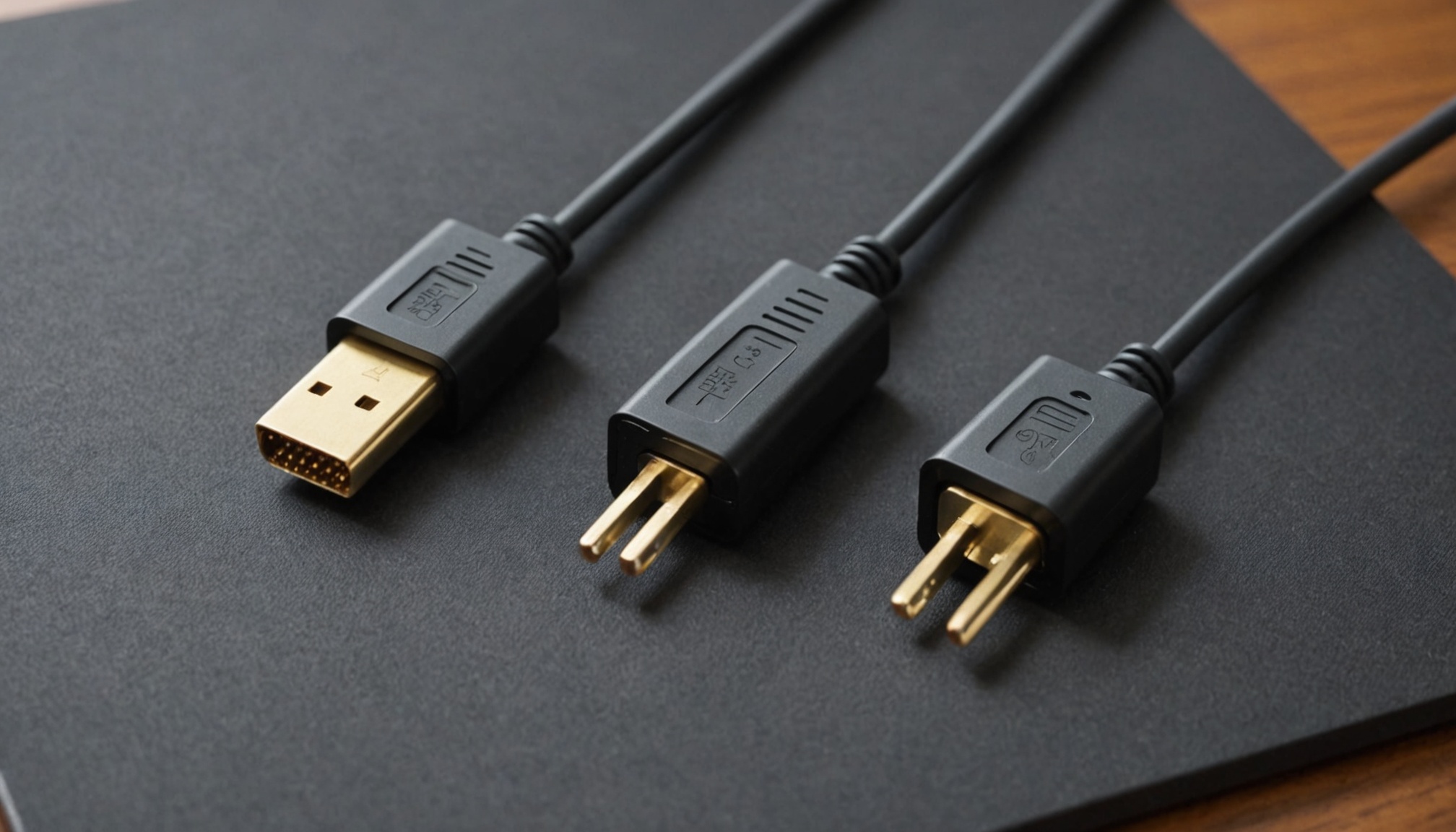
HDMI 2.1's 48Gbps shrinks to 42.6Gbps once encoding overhead is stripped out. Here is the bandwidth 4K 240Hz at 10-bit really demands, calculated line by line against every standard.
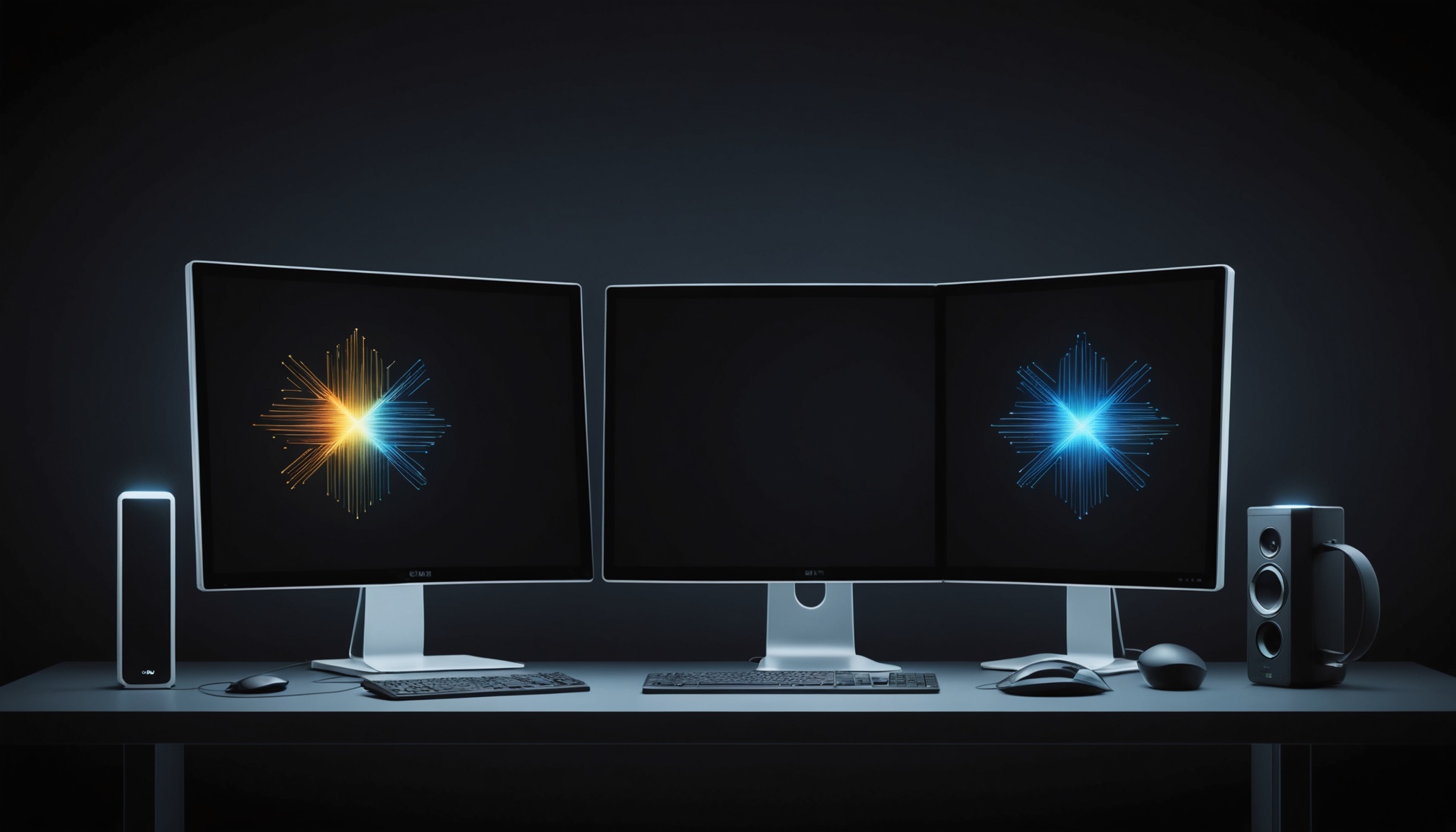
A panel technology comparison guide for monitor buyers torn between burn-in anxiety and overwhelming contrast ratios. Based on publicly disclosed spec structures and technical principles, this article lays out the criteria for determining which users OLED or Mini-LED suits best.