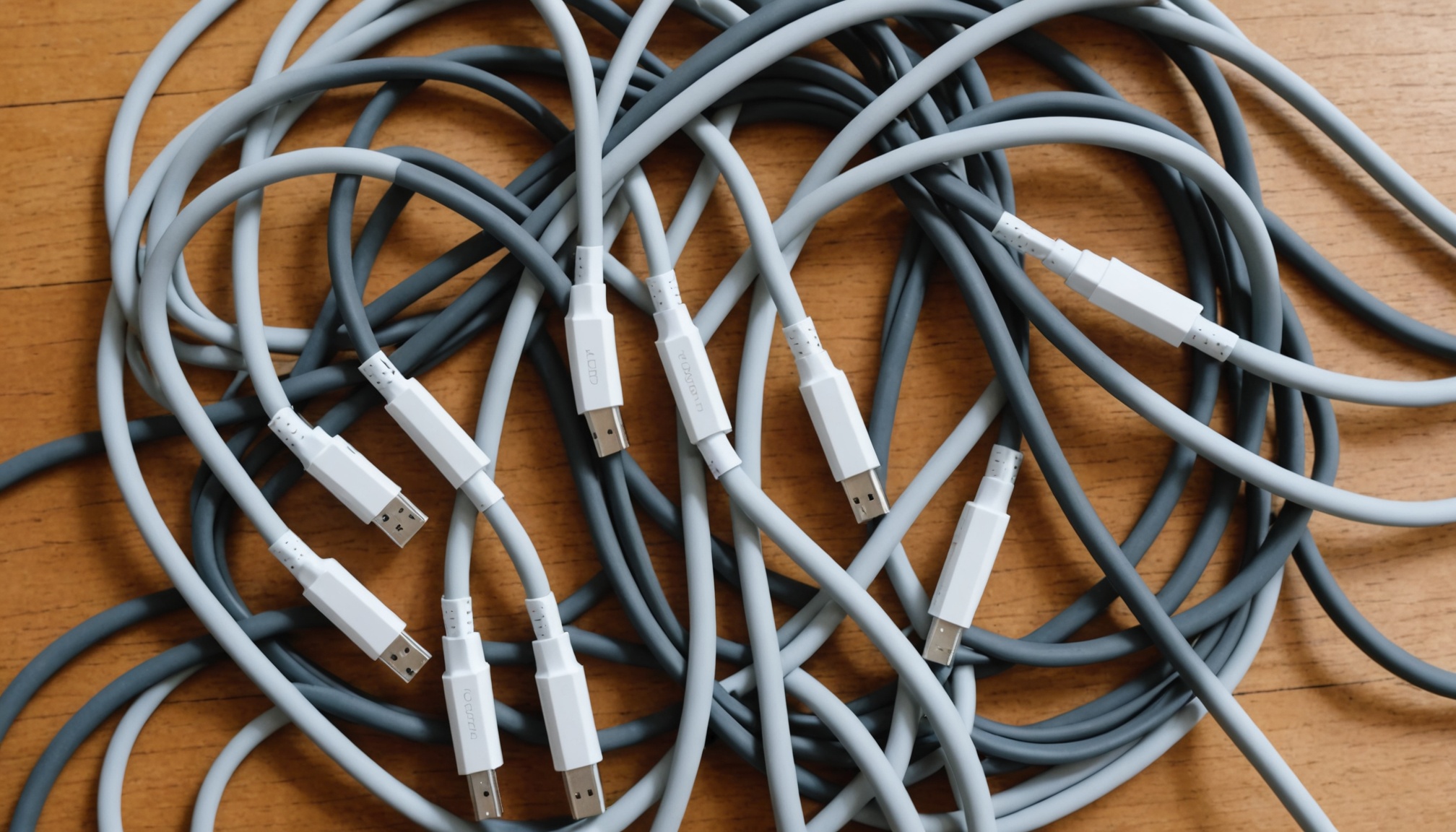
A USB-C cable that safely carries 240W may still move data at only 480Mbps. That is not a defect — it is a normal product. USB-C is the name of a connector shape, nothing more. Inside the cable, power delivery and data transfer run on different conductors governed by different specifications, and on the published specs neither one implies the other.
This is why two cables with the same thickness, the same black jacket and the same connector can sell for 3,000 won and 40,000 won. You cannot tell them apart by looking, so the labelling is all you have. Three numbers on that label matter: speed in Gbps, power in watts, and length in metres.
How long does 100GB take on each tier?
Speed is quoted in bits per second while file sizes are in bytes, which makes the numbers hard to feel. Convert them against a 100GB video folder and the gap shows up in minutes. 100GB equals 800,000 megabits, so dividing by the rated speed gives the theoretical transfer time.
| Spec label | Speed (Gbps) | Theoretical time for 100GB | Typical use |
|---|---|---|---|
| USB 2.0 | 0.48 | 27 min 47 sec | Charging only, keyboards, mice |
| USB 5Gbps | 5 | 2 min 40 sec | External HDDs, ordinary SSDs |
| USB 10Gbps | 10 | 1 min 20 sec | Fast external SSDs |
| USB 20Gbps | 20 | 40 sec | Fast SSDs, dual displays |
| USB4 40Gbps | 40 | 20 sec | Docks, 8K output, external NVMe |
These are theoretical figures; protocol overhead and drive limits usually land real transfers at 60–70% of them. The direction is unambiguous all the same. Moving 100GB over a USB 2.0 cable takes close to half an hour; over a 40Gbps cable it finishes before the kettle boils. As Plugable documents, USB-IF has replaced the old Gen 1 / Gen 2x2 generation labels with the raw speed number in the product name. If the box says "USB 10Gbps," that is the tier.
The catch is that a large share of cables sold for charging include only the minimum data wiring and therefore stay at USB 2.0. The specification round-up at Sakamaka notes that cables under 3,000 won are almost all USB 2.0, while high-speed cables carry far more internal conductors and are noticeably thicker and stiffer. Thickness is a hint rather than a test, but a thin, floppy cable is essentially never a 40Gbps cable.
One chip separates 60W from 100W and 240W
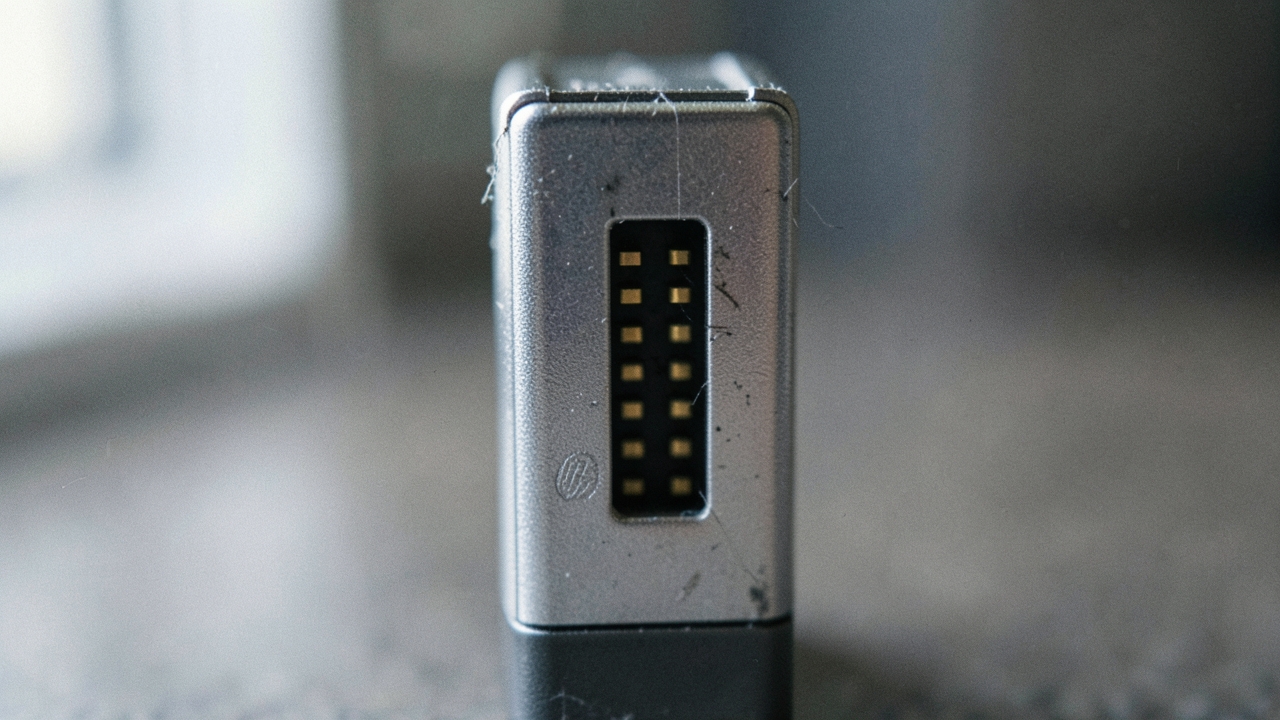
The power side is simpler. For a USB-C cable to carry more than 3A, it must contain an identification chip called an e-marker. The charger and the device read what that chip declares to learn how much current the cable can handle. With no chip, the specification caps negotiation at 20V and 3A — 60W. Plug in the finest 240W charger you can buy and a chipless cable still holds you to 60W.
| Cable tier | e-marker | Max voltage / current | Max power (W) |
|---|---|---|---|
| Basic cable | None | 20V / 3A | 60 |
| 5A cable (PD 3.0 SPR) | Required | 20V / 5A | 100 |
| EPR cable (PD 3.1) | Required | 28V / 5A | 140 |
| EPR cable (PD 3.1) | Required | 36V / 5A | 180 |
| EPR cable (PD 3.1) | Required | 48V / 5A | 240 |
Current stops at 5A. The only route from 100W to 240W is raising voltage from 20V to 48V, and that extended band is called EPR, for Extended Power Range. As ZX Power explains, EPR cables follow PD 3.1 and handle roughly 2.4 times the power of the older 100W SPR ceiling, and the USB-IF certification programme requires EPR cables to be marked 240W.
Which brings the argument back to the opening line. An e-marker declares power and data capability as separate fields. A cable that announces 240W and USB 2.0 in the same breath is not breaking the spec — it is a design choice, because there is no reason to run 40Gbps wiring through a cable meant only to charge a laptop. Choosing the number on the charger side is covered separately in our guide to 100W, 240W and PPS.

Why most 40Gbps cables are 0.8m
Shopping for a high-speed cable, the length options suddenly vanish — and that too is a specification consequence. As signal frequency rises, attenuation in copper rises with it, so a passive cable, built from wiring alone with no active components, cannot hold its rated speed past a certain length.
| Spec | Max passive length (m) | To go longer |
|---|---|---|
| USB 5Gbps | 2.0 | Rarely necessary |
| USB 10Gbps | 1.0 | Active cable |
| USB 20Gbps | 1.0 | Active cable |
| USB4 40Gbps | 0.8 | Active cable with re-timer |
Active cables embed re-timer ICs that regenerate the signal mid-run, holding 40Gbps past one metre — at a higher price, and some active designs are directional, so the end you plug into the host matters. The USB-IF-certified USB4 40Gbps, 240W cable sold by ACT is 0.8m long for exactly this reason.
In practice, "I want to route it behind the desk at 2m" and "I want 40Gbps" are requests that rarely coexist. If the plan is a dock tucked behind a monitor with a long run back to the laptop, the choice is to drop a speed tier or pay for an active cable. How this family relates to Thunderbolt is laid out in our comparison of USB4 and Thunderbolt 5 lane structures.
Three lines to check on the box
On the published specifications, useful information on a cable label comes down to three lines. First the speed tier (USB 2.0 / 5Gbps / 10Gbps / 20Gbps / 40Gbps), second the power figure (60W / 100W / 240W, or 3A / 5A), third the length. If any of the three is missing, the safe assumption is that the unstated one sits at the lowest tier. A "fast charging cable" with no speed marking at all is very likely USB 2.0.
Certification shows up as the USB-IF logo and laser etching on the cable itself. Even in the product listings at Danawa, cables sharing the same 240W / 5A rating split into USB 2.0 480Mbps and USB4 40Gbps entries. A listing that prints both numbers together is itself a signal worth trusting.
Which tier fits which setup
- Laptop charging only — 100W or 240W; USB 2.0 data is fine and lengths beyond 2m are no problem
- Mostly phone charging — a basic 60W cable covers it, and the e-marker question barely arises
- External SSD backups — 10Gbps or better, under 1m; 60W of power capability is plenty
- Dock or 8K display output — a certified USB4 40Gbps cable, with the desk layout planned around 0.8m
- One cable for everything — a certified USB4 40Gbps plus 240W EPR cable is the only answer, and it will be short and expensive
Sources
- USB-C cables are not all the same: speed and charging differences by spec (Sakamaka)
- Decoding USB Standards - 2026 Edition (Plugable)
- What Makes a 240W USB-C Cable Different? EPR Cables Explained (ZX Power)
- USB4 40Gbps 240W USB Type-C Cable, USB-IF certified 0.8 meters (ACT)
- Know your Type-C cables before you buy (Danawa)