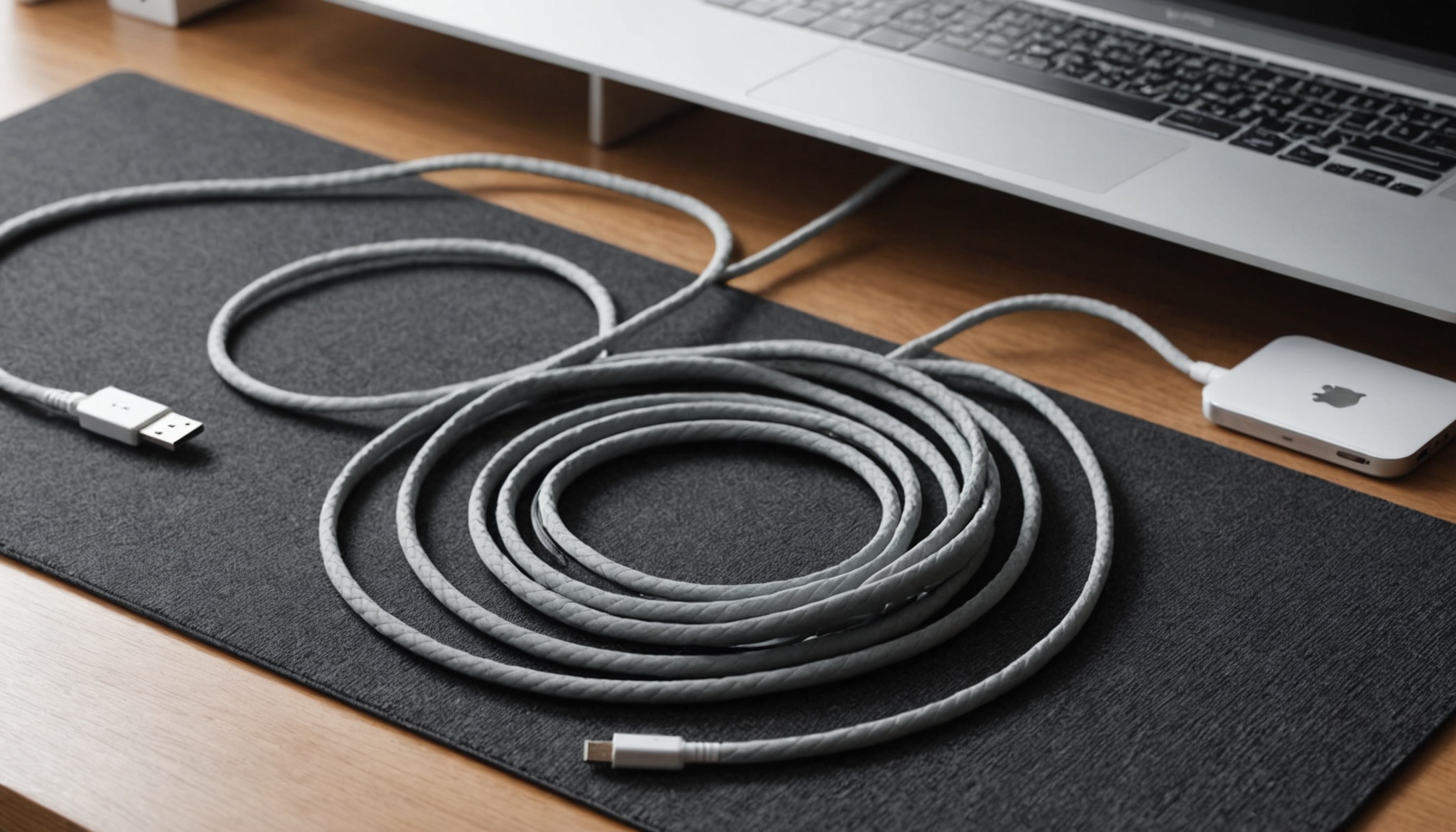
USB4 and Thunderbolt 5 ports share the same USB-C connector and often the same cables, but the floor each specification guarantees is very different. Thunderbolt 5 mandates an 80Gbps link and 64Gbps of PCIe as certification conditions; USB4 satisfies its spec at 20Gbps. And the widely quoted 120Gbps is not a faster tier at all — it is four lanes redivided from 2:2 into 3:1. The total stays at 160Gbps; only the direction changes.
Same Connector, Different Guarantees
USB4 is an open specification maintained by the USB-IF, and a large share of its features are optional. Granite River Labs' comparison lists baseline USB4 at 20Gbps with PCIe tunneling optional, minimum power delivery of 7.5W, and one DP 1.4a display. The same document puts Thunderbolt 4 at a 40Gbps link with mandatory PCIe at 32Gbps (Gen3 x4), two displays, and a 15W minimum, while Thunderbolt 5 requires an 80Gbps link with 64Gbps of PCIe (Gen4 x4) and two DP 2.1 UHBR20 displays.
Because of that structure, a spec sheet that says only "USB4 supported" tells you very little. A 20Gbps port with no PCIe tunneling is still fully USB4 compliant. Thunderbolt, by contrast, requires Intel certification before the name can be used, so the logo does carry the numbers with it. Macworld's generation comparison also treats mandatory certification for Thunderbolt versus optional certification for USB4 as the core distinction.
In practice the number that matters most is not the link rate but the PCIe tunnel carved out inside it, because that is the path external NVMe SSDs and external GPUs actually use. Converting the published PCIe tunnel ceilings into bytes gives a theoretical transfer time for a 100GB file.
| Specification | Link bandwidth (Gbps) | PCIe tunnel ceiling (Gbps) | Byte equivalent (GB/s) | Theoretical 100GB transfer (sec) |
|---|---|---|---|---|
| USB4 (minimum) | 20 | Optional — may be absent | — | — |
| USB4 40Gbps | 40 | 32 (Gen3 x4 class) | 4.0 | 25 |
| Thunderbolt 4 | 40 | 32 (Gen3 x4) | 4.0 | 25 |
| USB4 Version 2.0 | 80 | Aligned to PCIe 4.0 | 8.0 | 12.5 |
| Thunderbolt 5 | 80 | 64 (Gen4 x4) | 8.0 | 12.5 |
The conversion treats eight bits as one byte. Real transfers run longer because of PCIe's 128b/130b encoding, protocol overhead, and the sustained write speed of the drive itself. The shape holds regardless: moving from the 40Gbps class to the 80Gbps class cuts 25 seconds to 12.5, exactly half.

120Gbps Is Lane Allocation, Not Speed
The 120Gbps figure attached to every Thunderbolt 5 announcement is not a higher grade. According to Keysight's USB4 Version 2.0 explainer, 80Gbps is built from two lanes per direction at 40Gbps each, using 25.6GBaud PAM3 signaling. For specific applications, three lanes can be pushed in one direction for 120Gbps while a single lane carries 40Gbps back.
Fixing the per-lane rate at 40Gbps and the lane count at four makes the structure obvious.
| Mode | Transmit lanes | Receive lanes | Transmit (Gbps) | Receive (Gbps) | Lane total (Gbps) |
|---|---|---|---|---|---|
| Symmetric (default) | 2 | 2 | 80 | 80 | 160 |
| Asymmetric (bandwidth boost) | 3 | 1 | 120 | 40 | 160 |
Both modes total 160Gbps. One 40Gbps lane simply moves from the receive side to the transmit side. The mode pays off when data flows overwhelmingly in one direction — driving several high-resolution displays is the canonical case. For external storage work, where traffic runs both ways, the return path narrows to 40Gbps instead. Granite River Labs lists this asymmetric link as supported by Thunderbolt 5 only, not by Thunderbolt 4 or baseline USB4.
120Gbps is not a wider pipe. It is the same four pipes rebundled three-to-one, and the sum is still 160Gbps.

Where Displays and Charging Diverge
On the display side the difference comes from the DisplayPort version rather than the link rate. Granite River Labs puts Thunderbolt 5 at DP 2.1 UHBR20 with two monitors, Thunderbolt 4 at DP 1.4a HBR3 with two, and baseline USB4 at DP 1.4a with one. Macworld frames Thunderbolt 5's DP 2.1 as 10K-class output and Thunderbolt 4's DP 1.4 as 8K-class.
Charging power is set by implementation, not by the port name. Macworld's table lists maximum charging at 100W for Thunderbolt 3 and 4, and 240W for Thunderbolt 5 and USB4. That 240W ceiling requires a charger, cable, and device that all support the USB PD extended power range; a Thunderbolt 5 port alone does not deliver it.
Cable length is the other practical constraint. Macworld gives passive cable lengths of 1.2m for Thunderbolt 5, 2m for Thunderbolt 4 and USB4, and 0.7m for Thunderbolt 3. The faster the link, the shorter the distance a passive cable can carry it before an active cable becomes necessary.

How to Read a Port Listing
Working from published specifications, the check runs in three steps. First, look for the number printed after "USB4" — 20, 40, or 80Gbps. If no number appears, assume the 20Gbps minimum. Second, confirm PCIe tunneling separately; without it, an external NVMe drive falls back to plain USB storage speeds. Third, a Thunderbolt logo means the figures above are guaranteed by certification.
- Thunderbolt 5 is worth it for multiple 8K or high-refresh displays, or external SSDs and GPUs that actually reach PCIe Gen4 speeds
- Thunderbolt 4 or USB4 40Gbps is enough for one or two 4K monitors, a dock, and external SSD backups — if 25 seconds versus 12.5 does not change your day, stop here
- Wait if your laptop's own port is 40Gbps and you are buying an 80Gbps dock first; the bottleneck always sits on the slower side