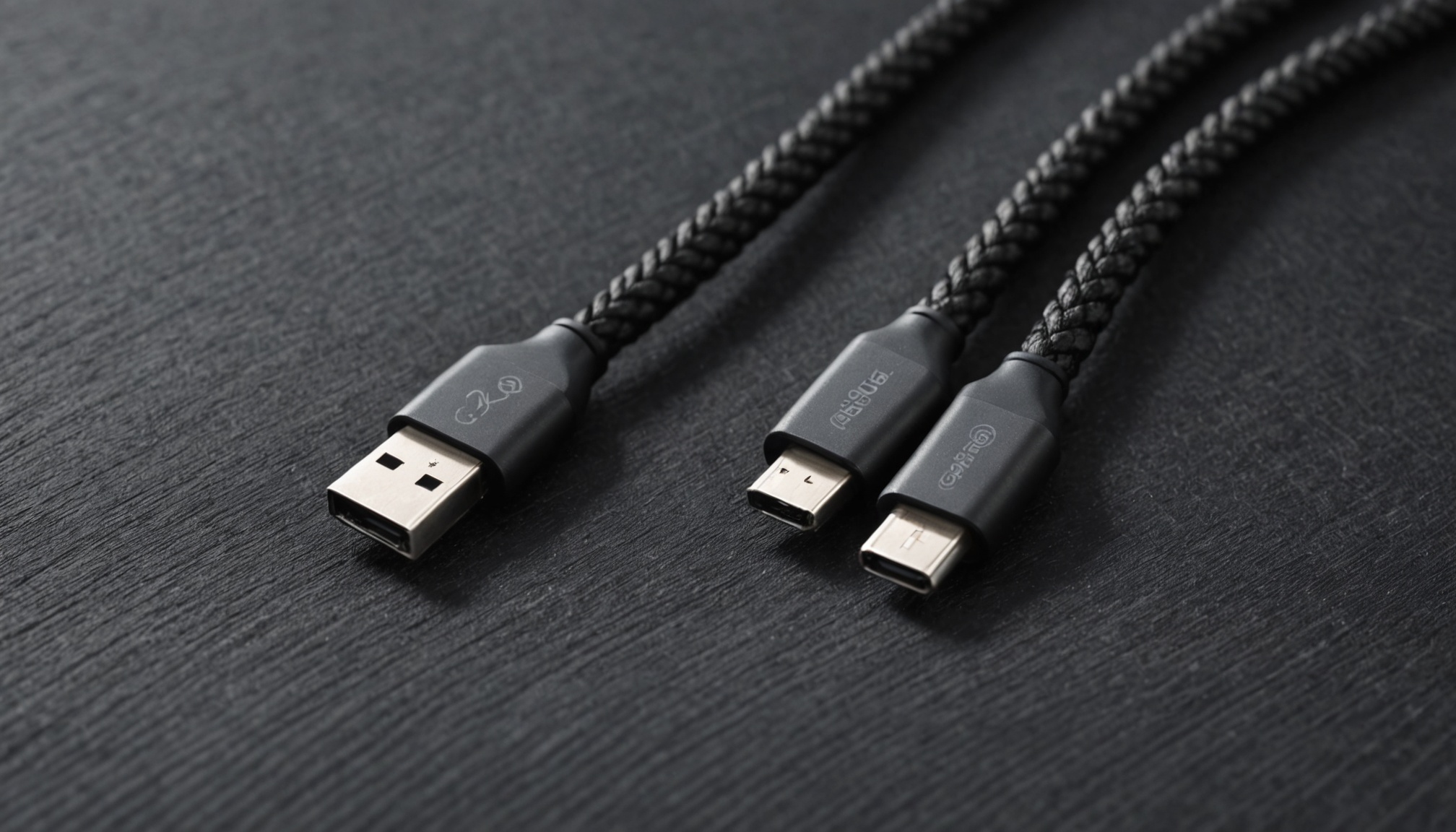
Thunderbolt 5 and USB4 Version 2.0 share the same headline figure: 80Gbps. They share the USB-C connector, and their cables look identical. What separates them is not the number but whether anyone is obliged to deliver it. Asymmetric 120Gbps operation, a 64Gbps PCIe tunnel and a 140W charging floor are certification requirements for Thunderbolt 5 and optional features under USB4 v2.
That is why two products carrying the same 80Gbps badge behave differently the moment a monitor is attached. The comparison below works from published specifications and certification conditions.
Same 80Gbps, different guarantees
Thunderbolt 5 runs 80Gbps in both directions and can shift to 120Gbps one way through Bandwidth Boost. Its PCIe allocation is 64Gbps, double that of Thunderbolt 4, and it incorporates DisplayPort 2.1 (UHBR20) alongside USB4 v2, as Cable Matters documents. Power delivery reaches 240W, with a minimum charging guarantee of 140W.
USB4 v2 reaches the same 80Gbps. It gets there with PAM3 signalling at 25.6 GBaud across dual channels, and an asymmetric link can allocate three lanes one way and one the other to produce 120Gbps alongside 40Gbps, as Granite River Labs explains. The catch is that both the asymmetric link and PCIe tunnelling are optional in the specification. On paper USB4 v2 supports the same 120Gbps mode, but the feature remains at the manufacturer's discretion, as Geeky Gadgets noted.

Laid out item by item, the published specifications diverge like this.
| Item | Thunderbolt 4 | USB4 v1 | USB4 v2 | Thunderbolt 5 |
|---|---|---|---|---|
| Peak bandwidth (Gbps) | 40 bidirectional | 40 | 80 | 80 bidirectional |
| Asymmetric 120/40 (Gbps) | No | No | Optional | Required |
| PCIe tunnel (Gbps) | 32 (required) | Optional | Optional | 64 (required) |
| DisplayPort | 1.4 | 1.4 | 2.1 | 2.1 UHBR20 |
| Display configuration | Two 4K 60Hz | Two 4K or one 8K | Vendor dependent | Three 4K 144Hz |
| Peak power (W) | 100 | Up to 240 | Up to 240 | 240 |
| Minimum charging (W) | 100 | Unspecified | Unspecified | 140 |
| Networking (Gbps) | 10 | - | - | 20 |
USB4 cables are sold in 20, 40 and 80Gbps grades, while every Thunderbolt 5 cable supports 80Gbps — a difference buyers feel at the shelf.
When does 120Gbps switch on? Count what the display eats
The purpose of the asymmetric mode becomes clear once you calculate what a single panel demands. Uncompressed video occupies link bandwidth according to:
Required bandwidth = width × height × refresh rate × (bit depth × 3) × 1.05 (blanking) × 132 ÷ 128 (encoding)
For 4K (3840×2160) at 144Hz and 10-bit colour, 8,294,400 × 144 × 30 gives 35.8Gbps; adding blanking and 128b/132b encoding overhead lands at roughly 38.8Gbps. The table expands that across common setups.
| Display configuration | Required (Gbps, uncompressed) | Spare on 80Gbps symmetric | Spare on 120Gbps asymmetric |
|---|---|---|---|
| One 4K 60Hz 8-bit | 12.9 | 67.1 | Not needed |
| One 4K 144Hz 10-bit | 38.8 | 41.2 | 81.2 |
| Two 5K 60Hz 10-bit | 57.5 | 22.5 | 62.5 |
| One 8K 60Hz 10-bit | 64.7 | 15.3 | 55.3 |
| Two 4K 144Hz 10-bit | 77.6 | 2.4 | 42.4 |
| Two 8K 60Hz 10-bit | 129.3 | Not possible | Not possible |
Drive two uncompressed 4K 144Hz panels and a symmetric 80Gbps link has 2.4Gbps left over — attach an external SSD to the same port and throughput collapses. Run the identical setup through a 120Gbps asymmetric link and 42.4Gbps remains. Bandwidth Boost is not a bragging figure; it exists to solve exactly this.

The mode is not free, though. Pushing three lanes one way leaves 40Gbps coming back, so a workload that simultaneously writes large files to external storage and drives high-resolution output must give ground somewhere. The table is also uncompressed: enable DSC and the requirement drops to roughly a third, letting two 4K 144Hz panels run on a 40Gbps link. Marketing claims like "three 4K 144Hz displays" almost always assume DSC. The same arithmetic applies when working out the conditions under which a laptop-to-TV link actually reaches 4K 120Hz.
The 80Gbps on the box is link speed. What you actually get is whatever the display leaves behind.
Adding an SSD to the same port: what 64Gbps PCIe buys
Data throughput, as opposed to video, is capped by the PCIe tunnel. Thunderbolt 5 guarantees 64Gbps — PCIe Gen4 x4 — against Thunderbolt 4's 32Gbps. In theory 64Gbps is 8GB/s, but protocol overhead prevents that from materialising.
Applying the real-world ranges compiled by iVANKY, Thunderbolt 4 external SSDs land at 2,800-3,000MB/s and Thunderbolt 5 at 5,000-6,000MB/s. At 5,500MB/s that is 44Gbps, about 69% of the 64Gbps ceiling; Thunderbolt 4's 2,900MB/s is 23.2Gbps, roughly 73% of 32Gbps. Both generations settle near 70% of theoretical, which makes purchase planning straightforward.
With USB4 v1 and v2, PCIe tunnelling itself is optional, so some products break the calculation entirely. If external SSD enclosures or an eGPU are in the plan, "USB4 compatible" reveals nothing about PCIe tunnelling and the individual spec sheet has to be checked. For the internal-storage side of the equation, copy times by UFS generation for a 100GB transfer gives a useful reference point.

Where the 140W charging floor matters
Both USB4 and Thunderbolt 5 cables can carry up to 240W. The difference is the floor. Thunderbolt 5 fixes a 140W minimum as a certification requirement, while USB4 sets no lower bound, leaving most cables at around 100W.
High-performance laptops can draw beyond 140W under load, so a 100W cable means the battery drains slowly even while plugged in. The more a setup relies on a single port for display, data and power at once, the more that floor decides the experience.
- 120/40 asymmetric, 64Gbps PCIe and 140W charging are all mandated — no spec-sheet archaeology required
- Every certified cable supports 80Gbps, so grades cannot be confused
- Backward compatible with Thunderbolt 4 and USB4 devices
- Enabling asymmetric mode cuts the return path to 40Gbps
- Real throughput sits near 70% of theoretical
- Pricing runs above comparable USB4 v2 gear
Who it suits, who should wait
- Suits — anyone driving two or more high-refresh 4K panels over a single cable while also attaching external storage. That is the combination where a symmetric 80Gbps link drops to 2.4Gbps of headroom.
- Suits — owners of laptops drawing above 140W who want to charge and work through one port.
- Wait — a single 4K 60Hz display plus keyboard and mouse. At 12.9Gbps of demand, Thunderbolt 4 or 40Gbps USB4 leaves ample room.
- Wait — if the laptop has no Thunderbolt 5 port. Replacing only the dock leaves the link capped by the host.
- Check — for any product badged "USB4 80Gbps", verify PCIe tunnelling and asymmetric support individually. Both are optional, so the badge alone settles nothing.