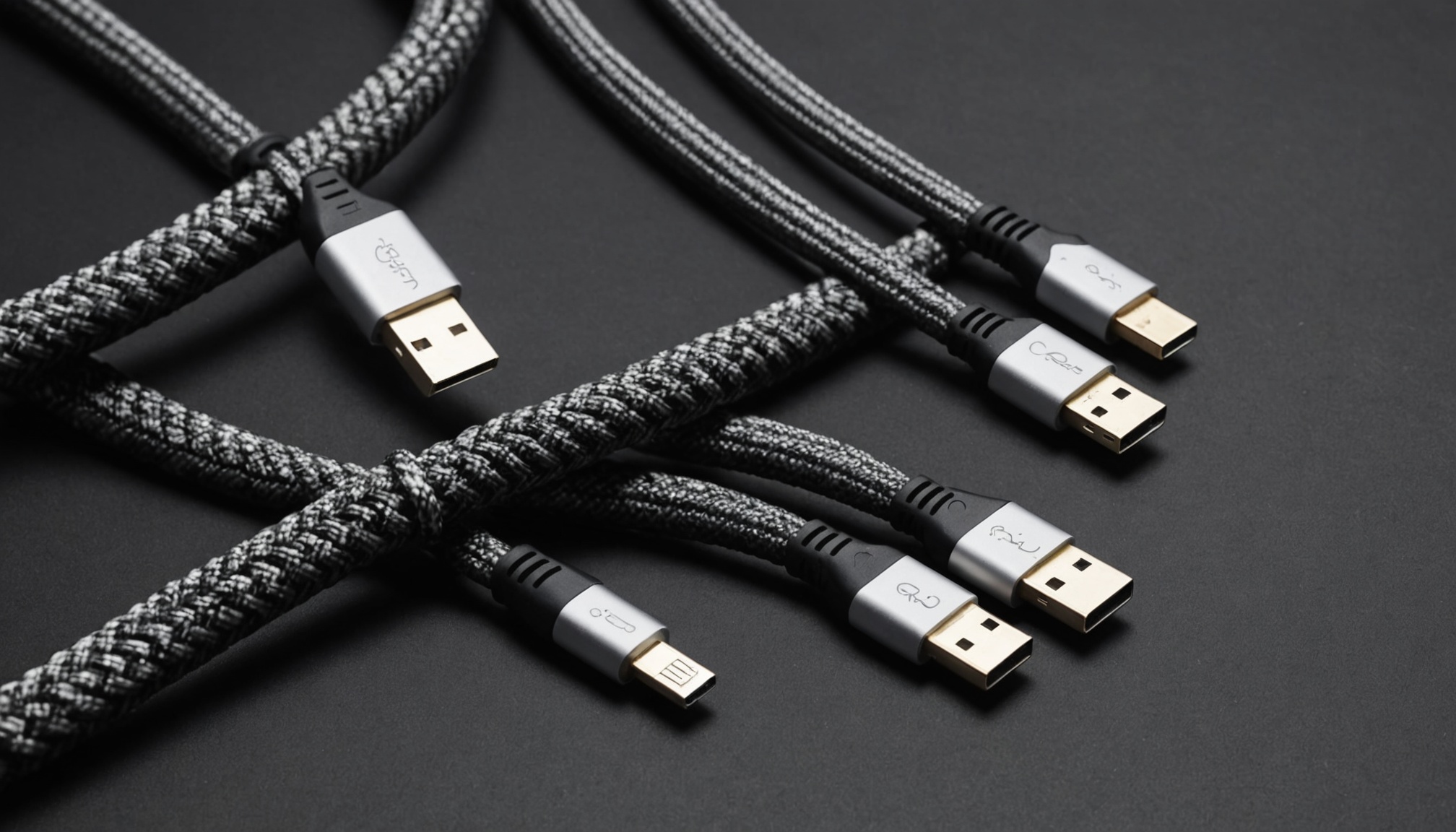
A port labelled USB4 will not necessarily deliver 40Gbps. The minimum data bandwidth the USB4 specification demands is 20Gbps; 40Gbps is something a manufacturer may choose to implement. Thunderbolt 4, by contrast, requires 40Gbps, and Thunderbolt 5 requires 80Gbps.
This is the problem created by every port becoming USB-C. The connector is singular, but what is guaranteed behind it varies by specification, and the gap shows up immediately in external SSD speed and in how many monitors will attach. Start by separating what is mandatory from what is optional in the published specifications.

USB4 sets a low floor; Thunderbolt sets a high one
The real difference between the two families is not the headline speed but how much is compulsory. In the specification comparison published by Granite River Labs, USB4 sets a 20Gbps data floor and imposes no minimum for PCIe tunnelling or display bandwidth. Thunderbolt 4 pins 40Gbps of data, 32Gbps of PCIe and dual 4K displays as minimums, and requires Intel certification before a product can ship.
| Item | USB4 (minimum) | Thunderbolt 4 | Thunderbolt 5 |
|---|---|---|---|
| Data bandwidth (Gbps) | 20 | 40 | 80 |
| PCIe tunnelling | Optional (no minimum) | 32Gbps (Gen3 x4) | 64Gbps (Gen4 x4) |
| Display | 1 display, no bandwidth minimum | Dual 4K | Dual 6K |
| Minimum port power (W) | 7.5 | 15 | 15 |
| Asymmetric link | Not supported | Not supported | 120/40Gbps supported |
| Certification | Optional | Required | Required |
The row that actually changes purchase decisions is PCIe tunnelling. External SSD enclosures and eGPUs run over the PCIe tunnel. If a USB4 port omits it, an external NVMe enclosure falls back to plain USB storage mode. Same hole, different outcome.
Is USB4 v2's 80Gbps the same as Thunderbolt 5's?
Same number, different guarantee. The USB-IF announcement of the USB 80Gbps specification states that the new spec lets manufacturers build 80Gbps products alongside existing USB 40Gbps and 20Gbps Type-C active cables. In other words, 80Gbps is a ceiling available to USB4 — not a floor every USB4 v2 product must reach.
Thunderbolt 5 works the other way. Intel Newsroom announced that Thunderbolt 5 is built on USB4 v2, DisplayPort 2.1 and PCI Express Gen 4, delivers 80Gbps bi-directionally and reaches up to 120Gbps with Bandwidth Boost, while stepping PCIe throughput up to 64Gbps and supporting 240W charging in the cable specification.
This confusion is exactly why USB-IF asks vendors to use speed logos instead of version numbers: USB 5Gbps, USB 10Gbps, USB 20Gbps, USB 40Gbps and now USB 80Gbps. On a retail box, the number beside the logo says more than the word USB4.
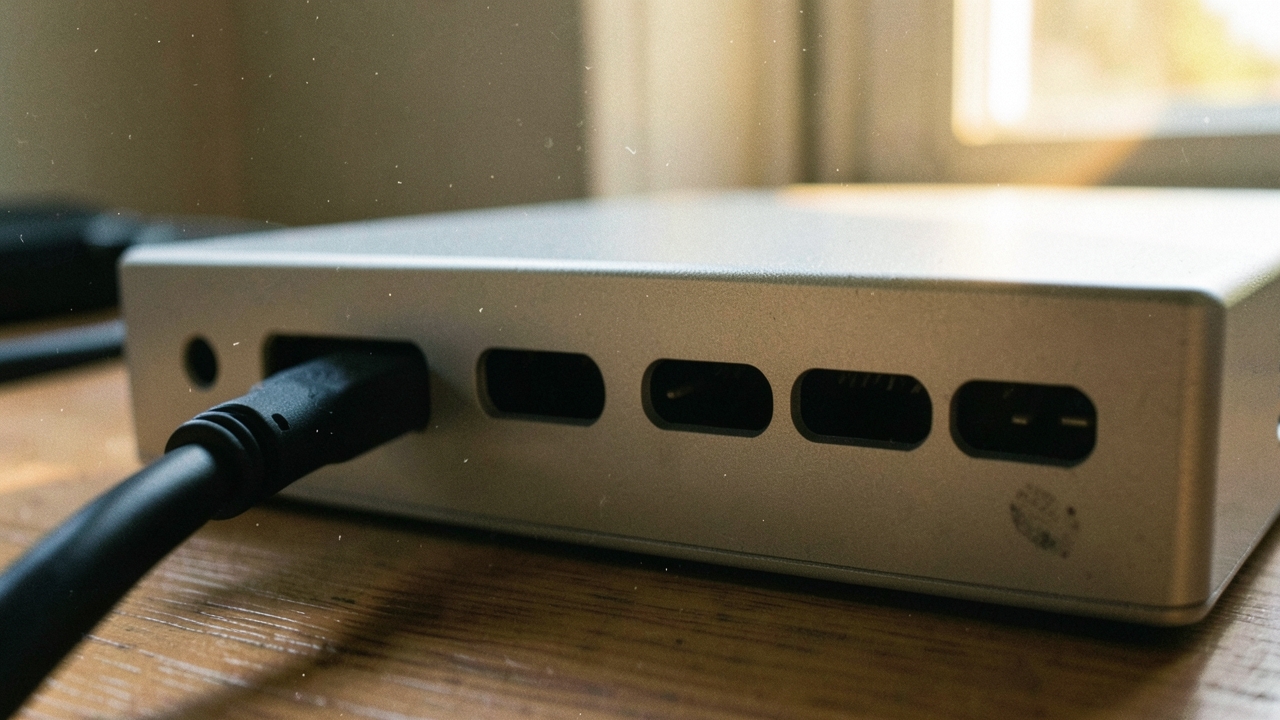
What does 40Gbps mean in megabytes?
Specification bandwidth is quoted in bits, storage speed in bytes. Dividing by eight, and doing the same for each specification's guaranteed PCIe tunnel, exposes the theoretical ceiling for an external SSD.
| Specification | Link bandwidth (Gbps) | Simple conversion (GB/s) | Guaranteed PCIe tunnel (Gbps) | External SSD theoretical ceiling (GB/s) |
|---|---|---|---|---|
| USB4 minimum | 20 | 2.5 | None (optional) | Not guaranteed |
| USB4 40Gbps implementation | 40 | 5.0 | Optional | Not guaranteed |
| Thunderbolt 4 | 40 | 5.0 | 32 | 4.0 |
| Thunderbolt 5 | 80 | 10.0 | 64 | 8.0 |
| Thunderbolt 5 Boost | 120 (one direction) | 15.0 | 64 | 8.0 |
That ceiling column is pure arithmetic with no deduction for protocol overhead or controller losses, so real transfer rates land lower. The structure still holds: when an external NVMe drive stalls in the 3GB/s range on Thunderbolt 4, the drive is not the limit — the 32Gbps PCIe tunnel is the roof, and doubling that roof is the substantive change in Thunderbolt 5.
What comes out of an identical USB-C hole is decided not by the connector but by the minimum guarantees sitting behind it.
When does the 120Gbps boost engage?
Thunderbolt 5's 120Gbps is not a constant speed. According to the Thunderbolt 5 technical brief, the default mode splits four 40Gbps pipelines into two transmit and two receive for a bi-directional 80Gbps. When a high-resolution or high-refresh display demands more display bandwidth, the lane allocation shifts automatically to 120Gbps in one direction and 40Gbps in the other.
Boost, then, is an asymmetric mode that engages when display output is the bottleneck. It does not make file copies to an external SSD 1.5 times faster. Outside dual 6K monitors or high-refresh panels, most setups will never trigger it.
Compatibility deserves a note too. Thunderbolt 5 is backward compatible with Thunderbolt 4, Thunderbolt 3 and USB4, but reaching 80Gbps requires a certified Thunderbolt 5 cable. Plug in an existing Thunderbolt 4 cable and the link caps at 40Gbps. The cable being part of the specification mirrors the structure covered in the guide to e-marker chips and data-speed labelling on USB-C cables.

The order to check labels before buying
Working through spec sheets in this order filters out most misunderstandings.
- The speed number beside the port. If it says only USB4 with no 40Gbps marking, it may be a 20Gbps implementation. USB-IF certification logos state the speed explicitly.
- PCIe tunnelling support. If external NVMe or an eGPU is in the plan, confirm the spec sheet lists it. On USB4 it is optional, so omitting it breaks no rule.
- Maximum display configuration. Dual 4K versus single 4K is the practical line between USB4 and Thunderbolt 4.
- Cable power rating. Certification splits at 240W and 60W. One cable for both data and laptop charging means checking for the 240W mark.
- Cable length. Faster specifications shorten the passive cable limit; beyond it, active cables are the only option.
Who Thunderbolt 5 fits, and who can wait
On published specifications the line is fairly clear. Thunderbolt 5 earns its price in setups driving two or more 6K-class or high-refresh monitors, in photo and video workflows using external NVMe fast enough to exploit PCIe Gen4, and in single-cable docking where display, storage and 240W charging all ride one connection.
Waiting is reasonable for a single 4K monitor with an occasional external SSD — Thunderbolt 4's 40Gbps and 32Gbps PCIe tunnel will not be the bottleneck there. And if the laptop itself only supports Thunderbolt 4, upgrading the dock alone still leaves the link at 40Gbps. Host, dock and cable must all be fifth generation before 80Gbps exists, so buying one of the three first delivers nothing. If charger and port power ratings also matter, read it alongside the guide to PD and PPS ratings on USB-C chargers.