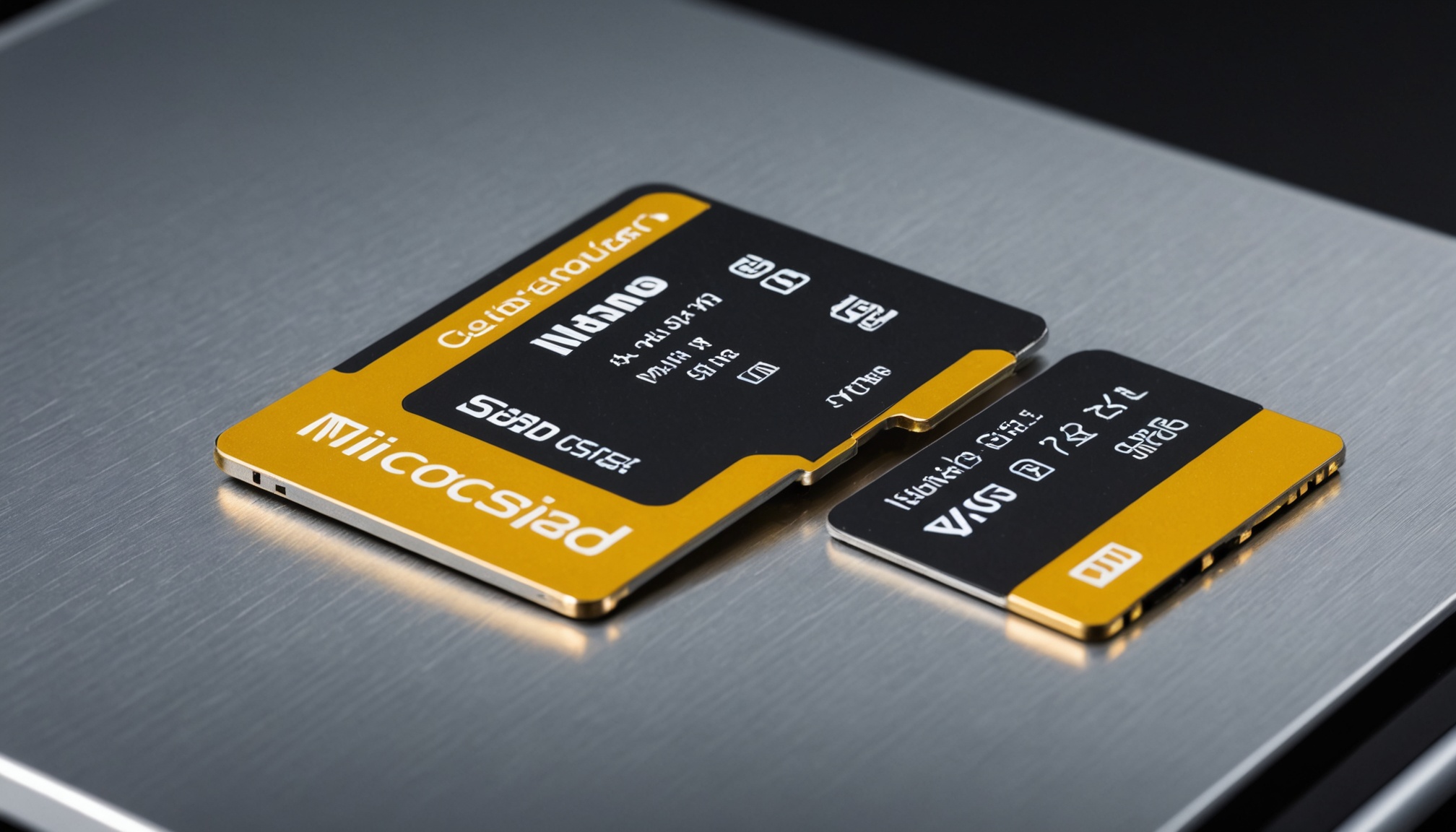
U3 and V30 stamped on a card mean the same thing: a minimum sustained write of 30 MB/s. Three or four marks appear on a single card not because the ratings stack, but because the SD Association created four separate labelling systems at different times, and all of them apply at once.
Choosing a card therefore is not about hunting for the biggest number. It means working out how many megabytes per second your data actually needs, then finding a mark that clears it. For video that starts from bitrate; for running apps it starts from random-access performance.
Why one card carries four different marks
The SD Association defines Speed Class, UHS Speed Class, Video Speed Class, and Application Performance Class. A fifth, SD Express Speed Class (E150, E300, E450, E600), covers the newest NVMe-based cards. The first three all measure the same quantity — minimum sequential write speed. Only the A class measures something else.
| Standard | Marks | Minimum sequential write (MB/s) |
|---|---|---|
| Speed Class | C2 / C4 / C6 / C10 | 2 / 4 / 6 / 10 |
| UHS Speed Class | U1 / U3 | 10 / 30 |
| Video Speed Class | V6 / V10 / V30 / V60 / V90 | 6 / 10 / 30 / 60 / 90 |
| Application Performance Class | A1 / A2 | 10 (plus random IOPS requirements) |
Read the table vertically and C10, U1 and V10 all land on the same 10 MB/s line. U3 and V30 both sit at 30 MB/s. Those are the baseline figures documented in the SD card specification summary. A card marked both U3 and V30 does not deliver 60 MB/s — the two marks are the same single guarantee written in two languages.
U3 and V30 are not competing tiers. They are the same 30 MB/s expressed by two different standards, and carrying both does not double anything.
The association built these systems for video recording. Its own explanation is that smooth playback requires a constant minimum write speed to avoid dropped frames during capture. The key point is that a class mark guarantees a floor, not a peak. A card that benchmarks at 170 MB/s but carries only a V10 mark may legitimately sag to 10 MB/s mid-take on a high-bitrate clip.

How many megabytes per second does your shooting mode write?
Bitrate is quoted in bits per second (Mbps); card classes are quoted in bytes per second (MB/s). Divide by eight before comparing, then add margin for container overhead and momentary spikes. ProGrade Digital applies a 20% safety margin when deriving the required write speed.
| Shooting mode | Bitrate (Mbps) | Write rate (MB/s) | With 20% margin (MB/s) | Minimum class needed |
|---|---|---|---|---|
| 1080p typical (assumed) | 20 | 2.5 | 3.0 | C6 / V6 |
| 4K 30fps phone-grade (assumed) | 100 | 12.5 | 15.0 | V30 (U3) |
| 4K 59.97fps high bitrate | 340 | 42.5 | 51.0 | V60 |
| 8K 29.97fps | 470 | 58.8 | 70.5 | V90 |
The math is one division. 340 ÷ 8 = 42.5 MB/s, and multiplying by 1.2 gives 51 MB/s — beyond V30's 30 MB/s guarantee, so V60 is the floor. The 8K case at 470 Mbps works out to 58.8 MB/s, or 70.5 MB/s with margin, landing in V90 territory. The first two rows assume representative capture settings; in practice, substitute the bitrate printed in your own device's specification sheet.
What the table shows is that bitrate, not resolution, sets the class. Two cameras both shooting 4K can need different cards: 100 Mbps from a phone is comfortable on V30, while 340 Mbps demands V60. ProGrade Digital makes the same point — the requirement depends on camera model, frame rate, colour depth and compression, not resolution alone.

A2 is about apps, not video
The Application Performance Class measures random access rather than sequential writes. A1 requires 1,500 random read IOPS and 500 random write IOPS; A2 requires 4,000 and 2,000. Both specify the same 10 MB/s minimum sustained sequential write — so on sequential performance alone, A1 and A2 guarantee exactly the same thing.
Random access matters in a narrow set of cases: when the card holds apps or an operating system. Android devices using the card as app storage, handheld game consoles, and single-board computers such as the Raspberry Pi are the usual examples. There, thousands of small scattered reads and writes make IOPS the thing you feel. In a camera, action cam or dashcam writing one long continuous stream, an A2 mark buys almost nothing.
So the reading order splits by use. For video capture, look only at the V (or U) mark. For anything acting as internal storage, prioritise A2 but verify sequential speed separately. Unless you genuinely need both, there is no reason to pay for a card carrying every top mark.
Capacity standards and bus speeds are a separate axis
Speed class is not the only thing printed on a card. Capacity standard (SDHC, SDXC, SDUC) and transfer interface (UHS-I, UHS-II, SD Express) are independent axes, and together they set the real ceiling.
| Category | Designation | Range / maximum speed |
|---|---|---|
| Capacity standard | SDSC / SDHC / SDXC / SDUC | up to 2GB / 32GB / 2TB / 128TB |
| Bus interface | UHS-I (SDR104) | up to 104 MB/s |
| Bus interface | UHS-II | up to 312 MB/s |
| Bus interface | UHS-III | up to 624 MB/s |
| Bus interface | SD Express | up to 3,940 MB/s (dual-lane PCIe 4.0) |
Compatibility is where this usually goes wrong. UHS-II cards carry a second row of contacts; drop one into a UHS-I-only device and it simply falls back to UHS-I speeds. However expensive the card, the ceiling stops at 104 MB/s if the host cannot accept more. That gap between interface generation and felt performance is the same mechanism described in the conditions under which SSD Gen4-to-Gen5 doubling fails to show up in use. The SD Association's own guidance is to pick a card whose class mark equals or exceeds the host's, and not to compare marks across different systems.
The order to choose in
- Find the bitrate (Mbps) of your device's highest-quality capture mode in the spec sheet — if absent, back it out from the file size of a one-minute clip
- Compute bitrate ÷ 8 × 1.2 to get the required MB/s, then pick a V class above it
- If the manual states a recommended class, treat it as a floor — equal or higher only
- Choose A2 if the card will host apps or an OS; ignore the A mark entirely for pure video recording
- A UHS-II card in a UHS-I-only device stops at 104 MB/s
- Anything above 32GB is SDXC or beyond — check whether an older device supports it or tops out at SDHC