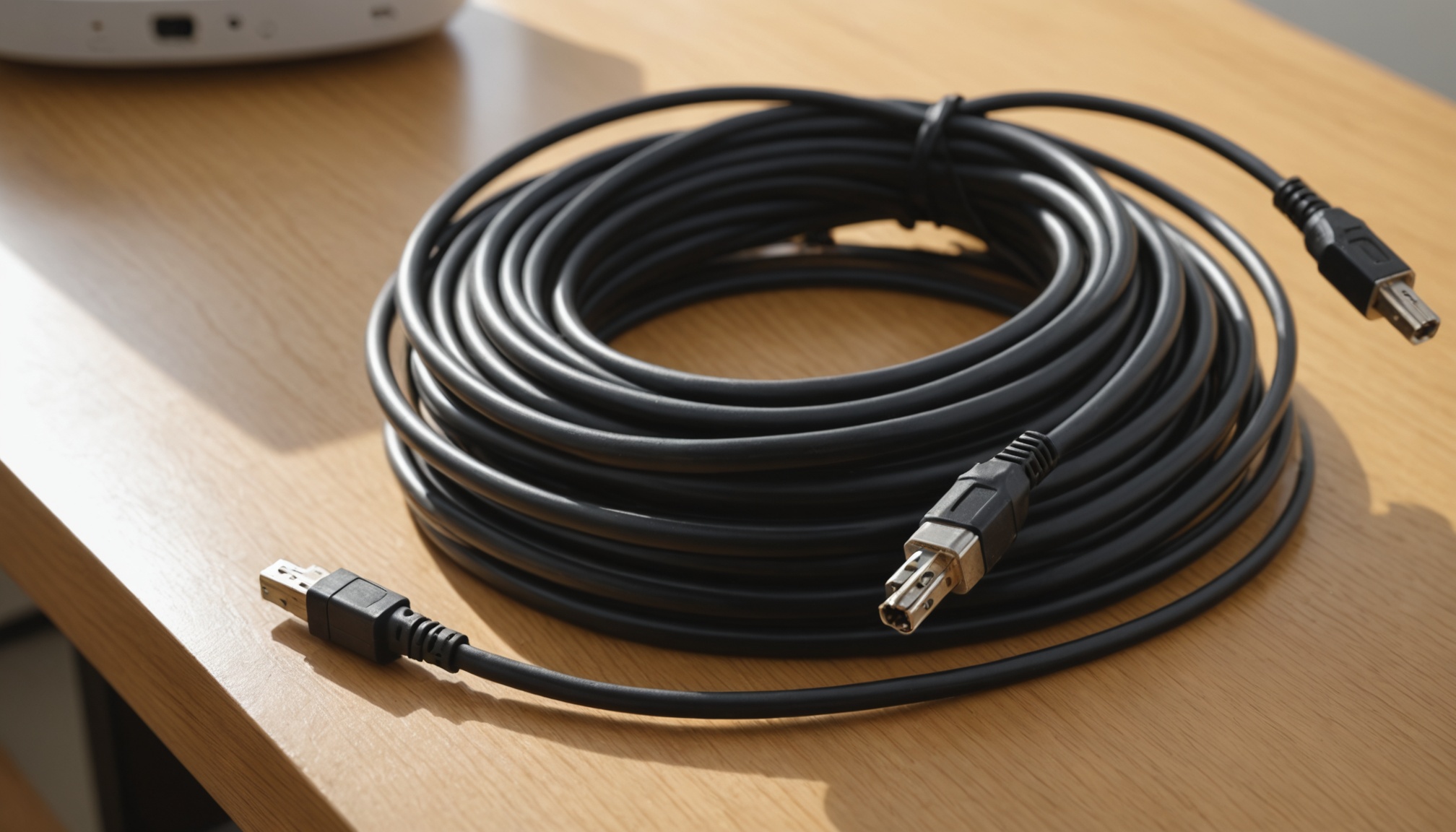
Putting a laptop's screen on a TV at 4K 120Hz is not a cable swap. The laptop's output port, the cable, and the TV's input port all have to be 48Gbps-class (HDMI 2.1 family); if any one of them is stuck at 18Gbps, either resolution or refresh rate has to come down. On published specifications, HDMI 2.0's TMDS signaling tops out at 18Gbps with an effective data rate of roughly 14.4Gbps, while HDMI 2.1's FRL signaling reaches 48Gbps with about 42.6Gbps effective. 4K 120Hz sits between those two numbers.
Read cable grades in Gbps, not in marketing words
"Premium" or "8K ready" on a box is not a specification. The certified grades are defined by bandwidth. Ultra High Speed HDMI cables carry up to 48Gbps, reached the market in 2020, and support 4K@120Hz and 8K@60Hz. The Ultra96 cable introduced with the HDMI 2.2 specification carries up to 96Gbps and handles 8K@60 4:4:4 and 4K@240 4:4:4 at 10-bit and 12-bit color depth. Both grades must pass certification testing at HDMI Forum authorized test centers, and each carries a QR-coded label buyers can verify.
| Standard | Max bandwidth (Gbps) | Effective data rate (Gbps) | Signaling |
|---|---|---|---|
| HDMI 2.0 | 18 | about 14.4 | TMDS |
| HDMI 2.1 (Ultra High Speed) | 48 | about 42.6 | FRL |
| HDMI 2.2 (Ultra96) | 96 | raised by spec | FRL |
| DisplayPort 2.1 DP40 | 40 | UHBR10 × 4 lanes | UHBR |
| DisplayPort 2.1 DP80 | 80 | UHBR20 × 4 lanes | UHBR |
Headline bandwidth and effective data rate differ because encoding and control information ride inside the signal. The effective figure is the one to shop against.
How many Gbps does 4K 120Hz really need?
The requirement can be calculated. Multiply horizontal by vertical pixels, then by bits per pixel (24 for 8-bit RGB, 30 for 10-bit HDR) and by refresh rate. 4K is 3,840 × 2,160, or 8,294,400 pixels. The table below applies that math and checks the result against HDMI 2.0's effective 14.4Gbps and HDMI 2.1's effective 42.6Gbps.
| Resolution / refresh | Color depth | Bandwidth needed (Gbps) | HDMI 2.0 (14.4) | HDMI 2.1 (42.6) |
|---|---|---|---|---|
| 1920×1080 / 60Hz | 8-bit | 3.0 | ample | ample |
| 2560×1440 / 144Hz | 8-bit | 12.7 | fits (1.7 spare) | ample |
| 3840×2160 / 60Hz | 8-bit | 11.9 | fits | ample |
| 3840×2160 / 60Hz | 10-bit | 14.9 | over | fits |
| 3840×2160 / 120Hz | 8-bit | 23.9 | over | fits |
| 3840×2160 / 120Hz | 10-bit | 29.9 | over | fits |
| 3840×2160 / 240Hz | 8-bit | 47.8 | over | over |
| 7680×4320 / 60Hz | 8-bit | 47.8 | over | over |
The row that trips people up is 4K 60Hz at 10-bit. Its 14.9Gbps requirement narrowly exceeds HDMI 2.0's effective 14.4Gbps — which is why HDR content at 4K 60Hz often falls back to 4:2:2 or 4:2:0 chroma on older ports. 4K 120Hz at 10-bit, at 29.9Gbps, sits comfortably inside HDMI 2.1's 42.6Gbps, which is why TFTCentral describes 4K 120Hz as transmitted with no compression needed.
4K 240Hz and 8K 60Hz both compute to 47.8Gbps, above the 42.6Gbps ceiling. From there, VESA's DSC 1.2a compression or chroma subsampling steps in. These figures cover pixel data only, excluding blanking intervals, so real transmission needs a few percent more headroom — rows marked as barely fitting may in practice drop a setting.
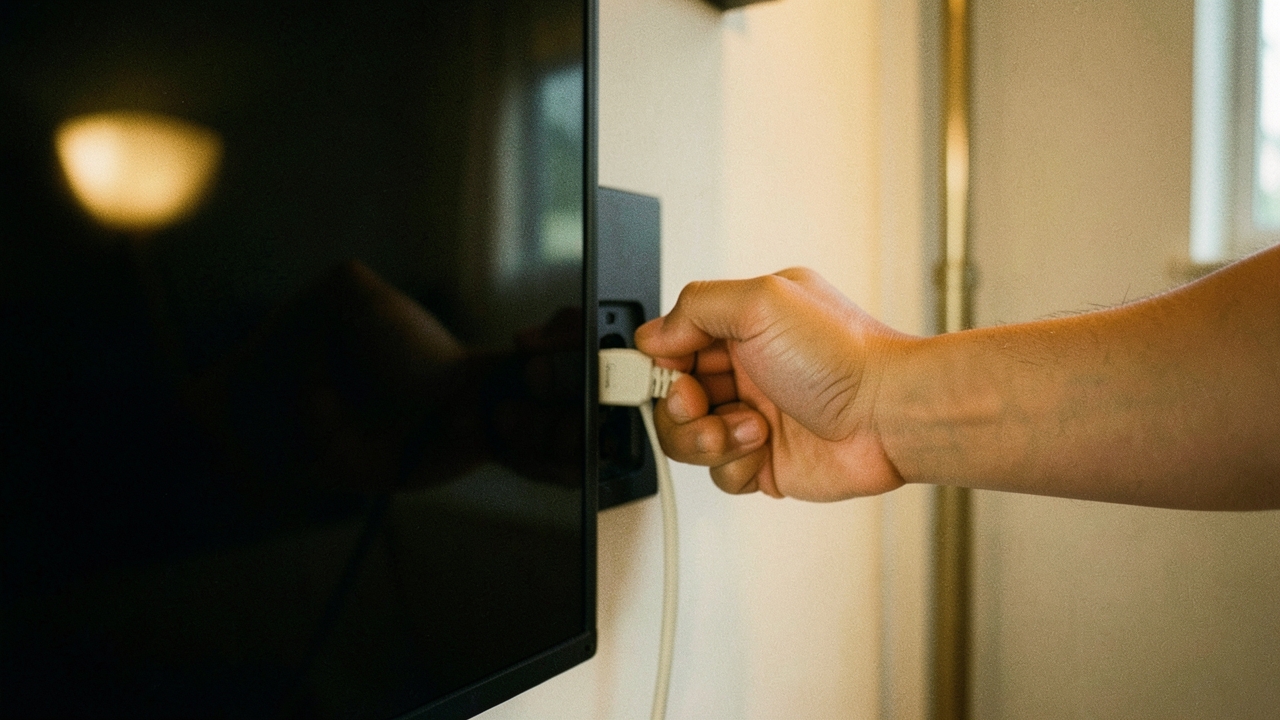
The cable is only one candidate bottleneck — the lowest number among laptop output, cable and TV input decides the picture.
What happens over a single USB-C cable
Thin laptops often expose video only through USB-C, using DisplayPort Alt Mode. DisplayPort 2.1 tightened its alignment with the USB Type-C specification, and certified cables split into DP40 (UHBR10 across four lanes, up to 40Gbps) and DP80 (UHBR20 across four lanes, up to 80Gbps). On paper that beats HDMI 2.1's 48Gbps, but if the TV only takes HDMI, the signal passes through a USB-C-to-HDMI adapter and the adapter's ceiling becomes yours.
Length is the other constraint. VESA added an active cable specification to extend four-lane UHBR20 support up to three meters, folded into DisplayPort 2.1b. In a living room where laptop and TV sit two or three meters apart, cable length is part of the spec decision. A comparable breakdown of wireless bandwidth limits appears in the piece separating Wi-Fi 7's channel width from real throughput.

What the "HDMI 2.1" label does not promise
TFTCentral is blunt about this: HDMI 2.1 branding does not mean you get the new capabilities. Higher bandwidth, VRR and ALLM are all optional, so a device labeled HDMI 2.1 may never deliver 48Gbps. What to check on a TV's spec page is not the standard's name but the per-port bandwidth listing, and which of the four inputs is the 48Gbps one. Giving only one or two ports full bandwidth while the rest stay at 18Gbps is a common configuration.
- A laptop GPU capable of 4K 120Hz output
- Frequent 10-bit HDR at 4K 60Hz or above
- You have identified which TV input is the 48Gbps port
- The TV panel itself caps at 4K 60Hz
- The laptop output is HDMI 2.0, or DP Alt Mode below four lanes
- A USB-C to HDMI adapter sits in the path
Who this fits, and who should wait
Judged on published specifications: if both the laptop and the TV already have 48Gbps ports and only the cable is old, swapping in an Ultra High Speed certified cable is the cheapest fix available. If the panel caps at 60Hz or the laptop output is limited to 18Gbps, a new cable buys nothing — in that case, as with the conditions behind quoted response-time figures, it is worth asking where the number was measured before spending. The 96Gbps Ultra96 grade only matters once a device in your hands runs 4K 240Hz or high-refresh 8K, so a 4K 60Hz setup has little reason to move early.