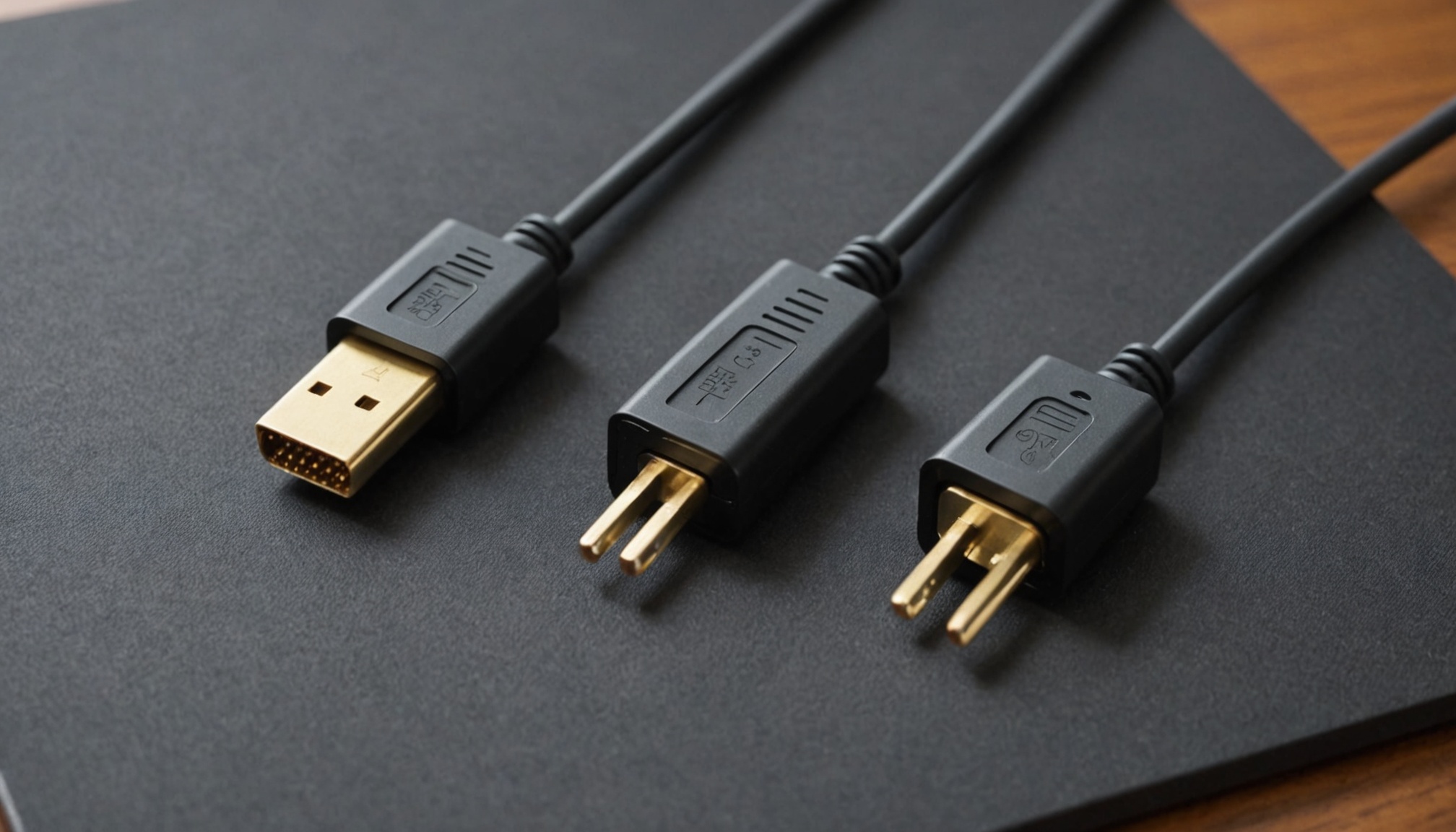
HDMI 2.1's 48Gbps and DisplayPort 2.1 UHBR20's 80Gbps are not the numbers that reach your panel. Strip out encoding overhead and the effective bandwidths land at roughly 42.6Gbps and 77.37Gbps respectively, per KTC's standards comparison. Somewhere between those two figures sits 4K 240Hz.
The gap comes from encoding. HDMI 2.1 uses a 16b/18b scheme for about 88.9% efficiency; DisplayPort 2.1 uses 128b/132b for about 96.7%. On paper the ratio is 48 to 80, or 1.67x. In effective payload it widens to 42.6 against 77.37, or 1.82x. Based on published specification documents, two ports carrying similar-looking labels pass through meaningfully different pixel volumes.

Rated bandwidth versus effective bandwidth
DisplayPort 2.1 is not one number but three tiers: UHBR10, UHBR13.5 and UHBR20. If a monitor or graphics card advertises only "DP 2.1 support," you need to find which tier. A DP 2.1 port limited to UHBR10 actually carries less effective bandwidth than HDMI 2.1.
| Standard | Rated (Gbps) | Encoding | Efficiency (%) | Effective (Gbps) |
|---|---|---|---|---|
| HDMI 2.1 | 48 | 16b/18b | 88.9 | ~42.6 |
| DP 2.1 UHBR10 | 40 | 128b/132b | 96.7 | ~38.7 |
| DP 2.1 UHBR13.5 | 54 | 128b/132b | 96.7 | ~52.2 |
| DP 2.1 UHBR20 | 80 | 128b/132b | 96.7 | ~77.4 |
| HDMI 2.2 | 96 | next-gen FRL | undisclosed | not yet determined |
That last row is the next generation. According to PCWorld, HDMI 2.2 is rated at 96Gbps — exactly double HDMI 2.1 — and, paired with Ultra96 cables, theoretically supports 8K at 240Hz, 10K at 120Hz, or 4K at 480Hz. Its encoding efficiency has not been published, so the effective payload cannot yet be calculated. The same article lists DisplayPort 2.1b as supporting 4K 240Hz, 8K 85Hz and 1080p 900Hz.
How many Gbps does your resolution demand?
You can calculate the requirement yourself. The formula is horizontal pixels × vertical pixels × refresh rate × bits per pixel, multiplied by a blanking overhead factor for the off-screen intervals. The table below assumes 10-bit RGB 4:4:4 (30 bits per pixel) with a 5% reduced-blanking margin. For 8-bit, multiply each figure by 0.8.
| Resolution / refresh | Pixel rate (Gpx/s) | Required (Gbps) | HDMI 2.1 (42.6) | UHBR10 (38.7) | UHBR13.5 (52.2) | UHBR20 (77.4) |
|---|---|---|---|---|---|---|
| 4K 120Hz | 1.00 | 31.4 | comfortable | comfortable | comfortable | comfortable |
| 4K 144Hz | 1.19 | 37.6 | fits | barely fits | comfortable | comfortable |
| QHD 360Hz | 1.33 | 41.8 | barely fits | needs DSC | comfortable | comfortable |
| 4K 165Hz | 1.37 | 43.1 | needs DSC | needs DSC | comfortable | comfortable |
| 4K 240Hz | 1.99 | 62.7 | needs DSC | needs DSC | needs DSC | fits |
| 8K 60Hz | 1.99 | 62.7 | needs DSC | needs DSC | needs DSC | fits |
| 5K2K 240Hz | 2.65 | 83.6 | needs DSC | needs DSC | needs DSC | needs DSC |
The critical rows are 4K 144Hz and 4K 165Hz. Adding 21Hz costs another 5.5Gbps, and HDMI 2.1's effective ceiling of 42.6Gbps sits right in that gap. That is why a monitor advertising "4K 144Hz over HDMI 2.1" suddenly starts demanding compression at 165Hz. Also worth noting: 8K 60Hz and 4K 240Hz require exactly the same bandwidth — four times the pixels at one quarter the refresh rate lands on the identical product.

The rated number is what the cable can carry. The required number is what the panel demands. Uncompressed only exists where the two meet.
One caveat: this math assumes reduced blanking with a 5% margin. Older timings using standard blanking carry more overhead. That is why the KTC reference cited above puts 4K 240Hz 10-bit 4:4:4 at roughly 68Gbps — a more conservative blanking assumption. Either way, the verdict does not change: HDMI 2.1 cannot do it uncompressed and UHBR20 can.
What changes when DSC is on
"Needs DSC" does not mean no picture. Display Stream Compression squeezes the signal by roughly 3:1 to fit inside the available bandwidth. Standards bodies call it visually lossless, which is not the same as lossless. Per published specifications, DSC comes with conditions:
- Both ends must support it — if either the graphics card or the monitor lacks DSC, refresh rate or color depth drops automatically.
- Some features get restricted — cases have been reported where DSR and certain multi-display configurations are blocked while DSC is active.
- Mode switches take time — changing resolution or refresh rate triggers a renegotiation that briefly blanks the screen.
So UHBR20's real value is not "can it do 4K 240Hz" but "can it do 4K 240Hz without DSC." If your usage tops out at 4K 144Hz, the practical difference between the two standards exists only on the spec sheet.

Where cables fall behind the standard
The higher the bandwidth, the shorter the cable. VESA states that existing passive DP80 cables are limited to about one meter at UHBR20 speeds, and folded a DP80LL active cable specification extending that to three meters into DisplayPort 2.1b. A 3x extension — but read the other way, it means an uncertified long cable will drop your link rate even between two devices that both claim UHBR20.
VESA developed the specification with Nvidia, noting that certified DP80LL cables are critical for reliable GPU-to-monitor connections. HDMI faces the same constraint: using 96Gbps requires separately rated Ultra96 cables. If either the port or the cable is a lower grade, the link negotiates down to it — the same structure as DisplayHDR tiers meaning nothing without certification.
| Cable grade | Target rate | Max length | Type |
|---|---|---|---|
| DP80 (passive) | UHBR20 80Gbps | ~1m | passive |
| DP80LL (active) | UHBR20 80Gbps | up to 3m | active |
| Ultra96 | HDMI 2.2 96Gbps | undisclosed | - |
Who this fits, and who should wait
Based on published specs and the calculations above, the decision splits three ways.
- You need UHBR20 if you run a 4K 240Hz-class panel and want to avoid routing through DSC, or you want 8K 60Hz uncompressed. Monitor, GPU and cable must all carry UHBR20 plus DP80 or DP80LL certification.
- HDMI 2.1 is enough if you cap out at 4K 144Hz or QHD 240Hz. The math puts those at 37.6Gbps and 27.9Gbps, inside the 42.6Gbps effective ceiling. And if console connectivity is the point, DisplayPort is not on the device at all.
- Wait if you are eyeing HDMI 2.2. PCWorld points out that no HDMI 2.2 devices or displays exist yet, while DisplayPort 2.1b already ships on Nvidia's RTX 50 series. The pattern of a standard arriving years ahead of hardware repeats in step with panel technology generation cycles.