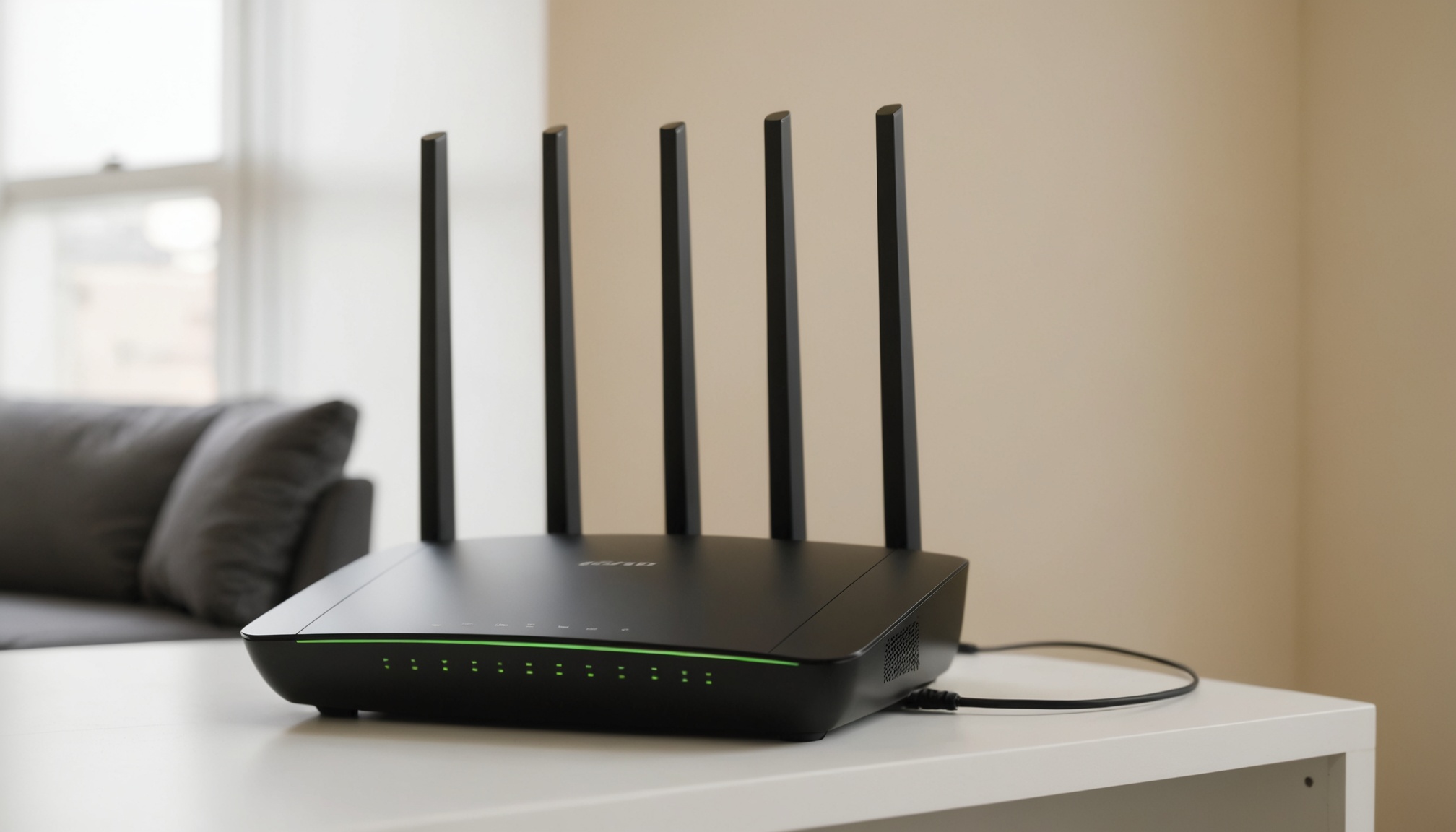
Wi-Fi 7 outruns Wi-Fi 6E through two multiplications. On the 6GHz band the channel width doubles from 160MHz to 320MHz, and the modulation scheme moves from 1024-QAM to 4096-QAM, lifting bits per symbol from 10 to 12 — a factor of 1.2. Two times 1.2 is 2.4. NETGEAR's statement that Wi-Fi 7 runs 2.4x faster on the same radio configuration is exactly that product. On published specifications, almost the entire gap between the two standards is explained right here.
320MHz exists only on 6GHz
The 320MHz channel is exclusive to the 6GHz band. Neither 2.4GHz nor 5GHz has room to hold a channel that wide. So in an environment without usable 6GHz, installing a Wi-Fi 7 router erases the channel-width gain entirely, leaving only the 1.2x from 4K-QAM.
In Korea those conditions are already in place. The Ministry of Science and ICT began reorganizing 1200MHz of spectrum in the 6GHz band in 2020 and completed it in April 2024, then finished amending the technical standard to allow 320MHz channels at the end of May 2024. At the time, a ministry official said every condition for using 6GHz spectrum had been met, with no obstacle to product launches or operation. Supporting products were expected to reach the domestic market from the fourth quarter of that year.
Where the 2.4x figure comes from
Breaking published specifications into components and multiplying the ratios reveals the source of the marketing numbers.
| Item | Wi-Fi 6E | Wi-Fi 7 | Ratio |
|---|---|---|---|
| Max channel width (6GHz) | 160MHz | 320MHz | 2.00x |
| Modulation order | 1024-QAM | 4096-QAM | — |
| Bits per symbol | 10 bits | 12 bits | 1.20x |
| Width × modulation combined | baseline | — | 2.40x |
| Spec maximum rate | 9.6Gbps | 46Gbps | 4.79x |
The last row looks inconsistent with the ones above it, but that is what happens when other terms scale too. NETGEAR puts Wi-Fi 7's spec maximum at 46Gbps, while TP-Link cites up to 4.8x the transfer speed of Wi-Fi 6 thanks to 320MHz channels. Divide 46 by 4.8 and you get 9.58 — that is 9.6Gbps. The two companies are describing the same baseline in different sentences, and the gap between 4.8x and 2.4x is simply whether doubling the antenna stream count is folded into the math.
A spec maximum assumes channel width, modulation, and stream count are all pushed to their ceiling. If your hardware falls short on any one of the three, that term collapses to 1x in the multiplication.
Why 46Gbps never shows up in your room
46Gbps is the theoretical figure for one router in maximum configuration, not the throughput a single laptop receives. Three conditions divide that number down.
The first is stream count. The spec maximum assumes every antenna running at once, but the wireless cards in laptops and phones are usually 2-stream. Even with a 16-stream router, a 2-stream client starts from roughly one-eighth of the spec ceiling.
The second is holding the modulation. 4096-QAM only survives with a very high signal-to-noise ratio. Pass through a single wall and the modulation order drops, which means the 1.2x gain disappears first. The roughly 20% attributed to 4K-QAM comes from the same arithmetic, and it is safer to assume that 20% holds only right beside the router.
The third is the wired segment. However wide the wireless side gets, if the internet line and LAN ports behind the router run at 1Gbps, transfers stop there. Doubling a spec's bandwidth without a perceptible change is the same structure described in the conditions under which SSD Gen4 to Gen5 doubling goes unnoticed. When the bottleneck sits elsewhere, the widened side idles.
The math that turns 320MHz against you in an apartment
Korea allocates 1200MHz to the 6GHz band. Dividing that by channel width gives the number of channels usable without overlapping a neighbor.
| Channel width | 1200MHz ÷ width | Non-overlapping channels | Odds of colliding with a neighbor |
|---|---|---|---|
| 80MHz | 15.0 | 15 | Low |
| 160MHz | 7.5 | 7 | Medium |
| 320MHz | 3.75 | 3 | High |
Choosing 320MHz doubles bandwidth but cuts the number of clear slots to three. In an apartment building where dozens of households share walls, several neighbors making the same choice land on overlapping channels — and overlapping channels take turns, which claws the effective speed back down. The 6GHz band penetrates walls less readily than 5GHz, which cushions the problem, but it does not stop adjacent units on the same floor.

MLO is a stability feature more than a speed feature
The third pillar of Wi-Fi 7, Multi-Link Operation (MLO), lets one device hold simultaneous connections across bands such as 5GHz and 6GHz. When one band congests, traffic shifts to the other or both links carry it together. TP-Link describes the structure as delivering up to 4x lower latency and 5x higher network throughput.
The notation reads like a speed feature, but what actually changes is the floor rather than the ceiling. Dropouts during video calls, momentary lag in games, the reconnection gap when moving between rooms — these are intervals that never show up in an average, and they are what MLO addresses. On published specifications, MLO support is more likely to affect perceived quality than the headline maximum rate. That said, MLO requires both router and client to be Wi-Fi 7.
Who should buy now, who can wait
Wait if your internet line runs at 1Gbps or less and no device in the home supports 6GHz. Under those conditions neither 320MHz nor MLO engages, leaving little practical distance from a Wi-Fi 6E router — and a 6E product that handles 5GHz 160MHz properly wins on price.

Buy now when three things overlap: a line at 2.5Gbps or faster, or a plan to build a mesh over wireless backhaul; recently purchased phones and laptops that support Wi-Fi 7; and a home divided into enough walled rooms that a single band cannot cover it. In that case MLO's dual link stands in for wired backhaul. Before buying, the four things to check are not the speed number on the box but whether the product supports 6GHz, whether it supports 320MHz, whether it supports MLO, and whether your own devices can accept all three.