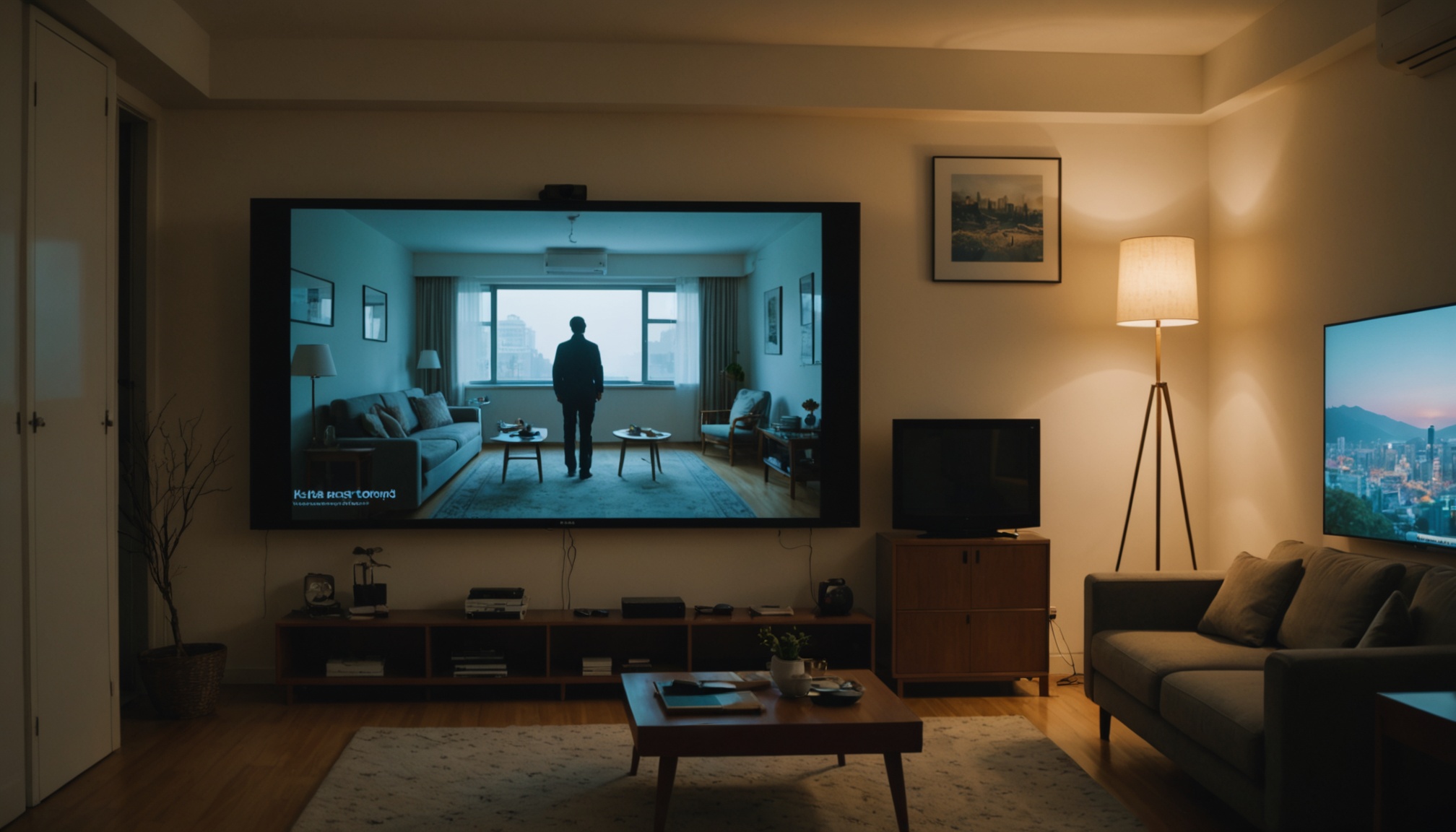
The brightness unit to look for when buying a projector is ANSI lumens, not plain "lumens." Lumens measure the light a lamp source emits; ANSI lumens measure the light that actually lands on the screen. Since you watch the screen, not the bulb, any brightness figure without "ANSI" attached is not a basis for comparison.
The baseline: a fully dark room with a 100-inch screen is fine with 1,500–2,500 ANSI lumens, while a living room with lights on or daytime viewing needs 3,000+ ANSI lumens. Yet the "LED lumens" that budget models advertise can be less than half as bright at the same number.
ANSI Lumens Is Screen Brightness; Lumens Is Source Brightness
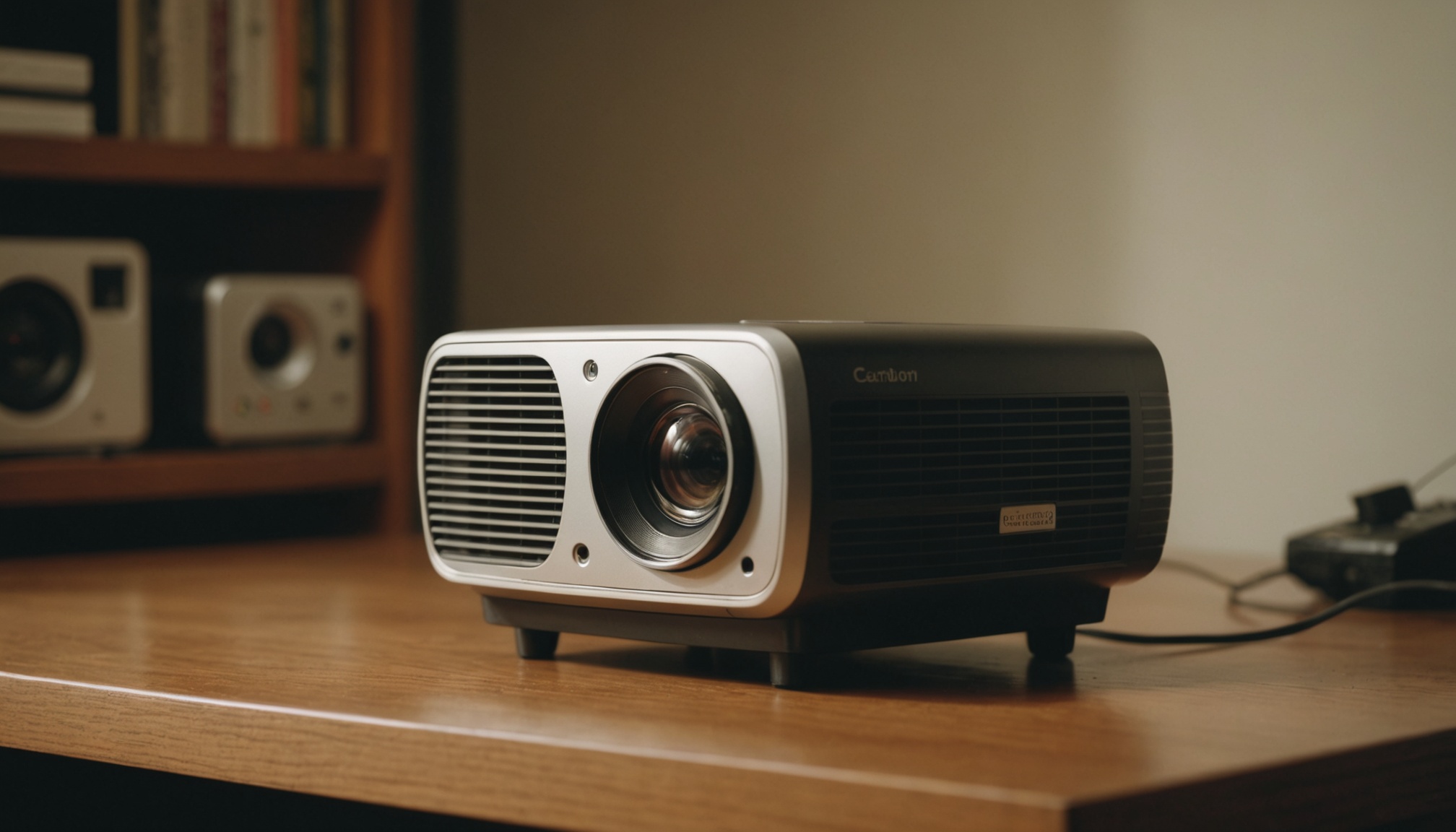
ANSI lumens, defined by the American National Standards Institute, divides the screen into nine zones, measures each, and averages them. However bright the source, light is lost through the lens and panel, so the ANSI figure that measures what reaches the screen is far closer to perceived brightness. Nosearch's buying guide likewise says to check projector brightness in ANSI lumens.
More makers now use the international standard ISO 21118. Per XGIMI, ISO 21118 measures essentially like ANSI but is stricter — mass-produced units may deviate at most 20% from the stated figure. So ANSI, ISO, and CVIA ratings are trustworthy, while "LED lumens" is a marketing term, not a standard.
Why "3,000 LED Lumens" Looks Dimmer Than "2,000 ANSI"
LED lumens overstate the light a source could theoretically produce, so they differ from real screen brightness by 2x or more. Aurzen notes that a projector claiming "3,000 LED lumens" can look dimmer than a "2,000 ANSI lumen" lamp model. Convert the units to ANSI and the numbers shrink like this.
| Unit | Stated | Convert | Approx. ANSI |
|---|---|---|---|
| ANSI lumens | 2,000 ANSI | as is | ~2,000 |
| LED lumens | 3,000 LED | ÷ 2.4 | ~1,250 |
| LED lumens | 5,000 LED | ÷ 2.4 | ~2,080 |
| Source lumens | 5,000 lm | ÷ 5–10 | ~500–1,000 |
If a box just says "5,000 lumens" without naming the unit, the real figure is often only 500–1,000 ANSI, as SYM Consulting points out.
If there is no "ANSI" in front of the brightness number, that number is for marketing, not for the screen.
Set the ANSI You Need by Room Light and Screen Size
The same projector dims as the screen grows and the same light spreads wider, and contrast dies as the room gets brighter. Adapting TheaterCalc's guidance to a 100-inch screen gives the following — with a real-use adjustment, since projectors often deliver only 60–75% of the rated figure in an accurate picture mode.
| Setting (100-inch) | Rated ANSI | Real use (×0.65) | Screen |
|---|---|---|---|
| Full dark (dedicated room) | 1,500–2,500 | ~1,000–1,600 | Standard white |
| Lit living room / indirect light | 3,000–4,000 | ~1,950–2,600 | ALR recommended |
| Daytime / near window | 4,000+ | ~2,600+ | ALR required |
Go up to 120 inches and the requirement rises further. For daytime viewing near a window, a bright TV often gives the better picture at the same budget.
After Brightness — Resolution, Contrast, Throw Ratio
Contrast and resolution shape image quality as much as brightness. Spec-sheet contrast is heavily inflated by test conditions, so lean on the consistency of published reviews rather than the raw number, and check whether resolution is native or just "supported" (accepts the input but displays lower). In a small room, a short-throw design (throw ratio 0.5 or under) that makes a big image from close up is also worth checking.
The principle of not being fooled by display specs also applies to TV size and viewing distance.
Choose On These Terms
- Dark room / home theater: ANSI 1,500–2,500 is enough — spend on contrast and resolution over brightness
- Lit living room: ANSI 3,000+ with an ALR screen — first confirm the unit is ANSI
- Frequent daytime near a window: even ANSI 4,000+ has limits; a TV may be the better choice
- Ultra-budget with no unit stated: if it only says "LED lumens / source lumens," assume real ANSI is under half
- Large screen (120-inch+): the bigger the screen, the more ANSI you need — leave headroom