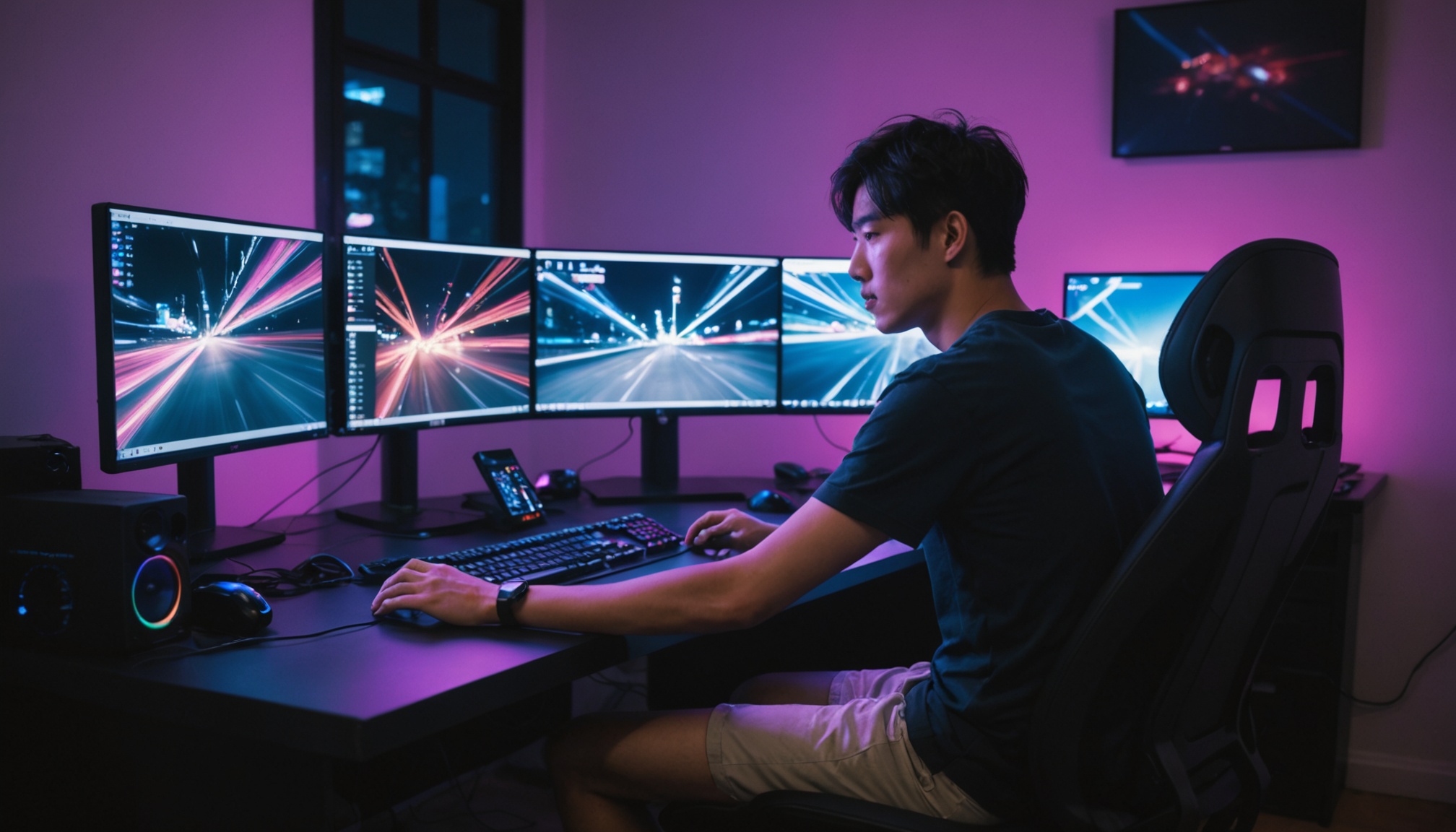
A 60Hz monitor redraws the screen 60 times per second; a 144Hz monitor does so 144 times. Converting to the time each frame stays on screen, that drops from 16.7ms to 6.9ms — meaning the interval between moving the mouse and the screen following it is cut to less than half. But for this difference to be worth paying for, two additional conditions are required: the GPU must actually be able to render that many frames, and the games you play must demand rapid on-screen transitions.
Reading Refresh Rate Numbers as Time
Refresh rate (Hz) is the number of times per second the screen is updated. Dividing 1,000ms by the refresh rate gives the time one frame stays on screen. Calculating these values side by side makes it clear — visually — why the perceptible jump from 60 to 144 is large, and why the jump from 144 to 240 is small.
| Refresh rate | Frame interval (1,000 ÷ Hz, ms) | Reduction vs. 60Hz (ms) |
|---|---|---|
| 60Hz | 16.7 | — |
| 120Hz | 8.3 | 8.4 |
| 144Hz | 6.9 | 9.8 |
| 165Hz | 6.1 | 10.6 |
| 240Hz | 4.2 | 12.5 |
While 8.4ms is cut in the 60→120Hz range, moving from 144→240Hz only adds another 2.7ms of reduction. Corsair's refresh rate comparison guide explains this in the same direction — going from 60Hz to 120Hz gives you twice as many frames in the same time, reducing blur and smoothing motion, but going from 120Hz to 165Hz produces only a very subtle increase in perceived smoothness, and returns diminish further above that.
144Hz — Which Games Make You Feel It?
The Samsung Electronics gaming monitor guide segments refresh rate ranges by play style. 100–120Hz is an entry-level range suited to slowly paced games like turn-based strategy; 144–200Hz is a standard range for first-person shooters, racing, and action; 240Hz and above is a high-end range aimed at competitive and esports players. Corsair similarly concludes that 144Hz or 165Hz is optimal for most gamers today, with 240Hz worth considering only when budget allows.
Reading that in reverse: when use is primarily web browsing, document work, or video watching, the advantage of 144Hz shrinks to smoother screen scrolling. Most video content is produced at 24–60fps to begin with, so increasing monitor refresh rate does not generate frames that were never in the source.
Ultimately, the same 144Hz monitor is worth different amounts depending on the user. In games with rapidly shifting perspectives, the shorter frame interval translates into improved aiming and tracking accuracy; for work with largely static screens, the interval rarely gets exercised.
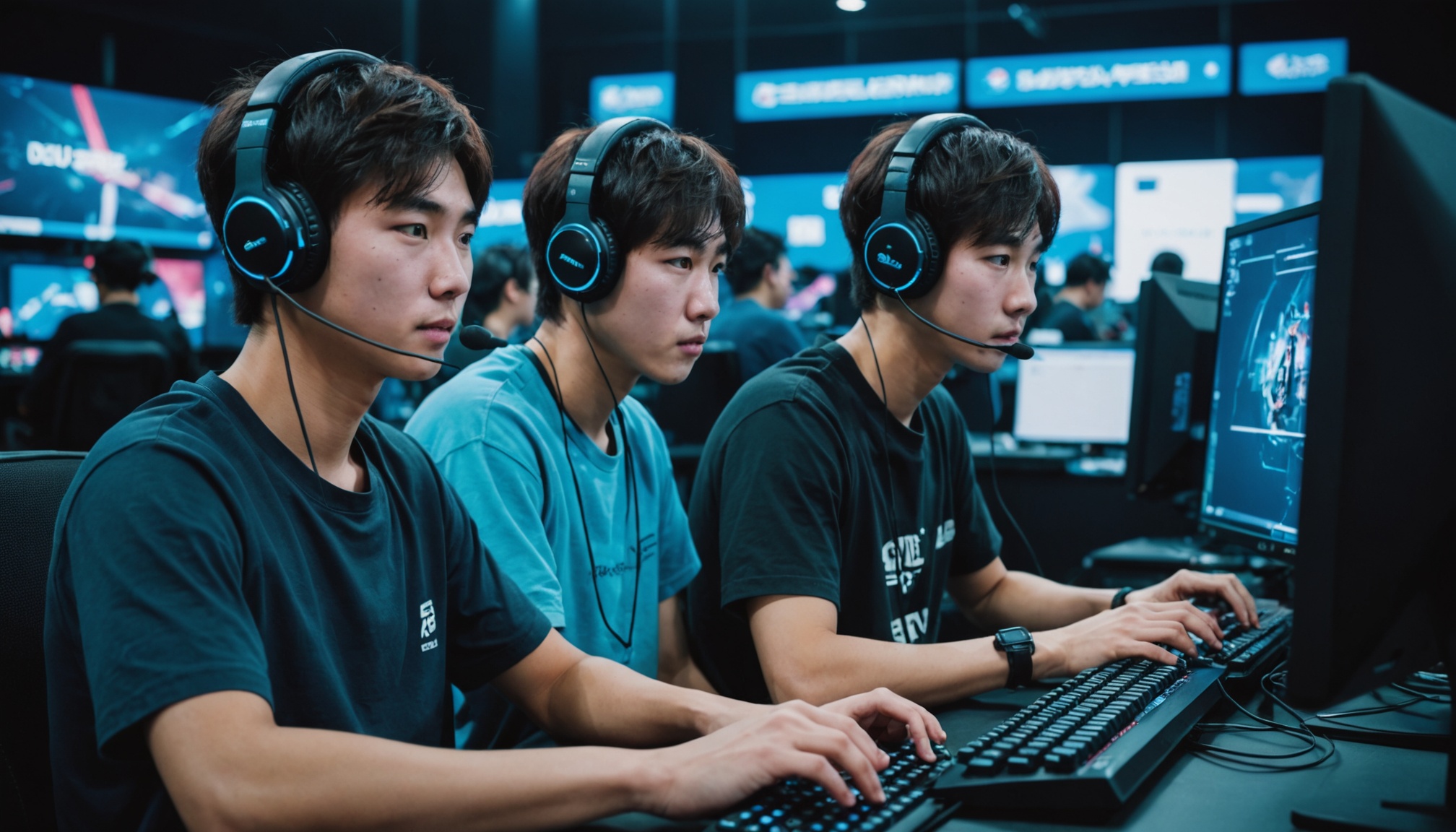
Refresh rate is how many frames the screen draws per second; response time is how cleanly each of those frames is drawn.
If the GPU Can't Render It, the Refresh Rate Is Just a Number
A 144Hz monitor only works if a GPU generating 144 frames per second sits in front of it. According to Corsair, mid-range GPUs such as the RTX 3060/4060 and RX 7700 XT can achieve the 144–165Hz range in most games, but enabling ray tracing causes frame rates to drop sharply. So the correct order is to confirm frames before choosing a monitor — check how many frames your GPU is actually delivering in the games you play, then set your refresh rate ceiling. Balancing GPU and other components on a limited budget is discussed in How to Budget a ₩1M Desktop Build.
Response Time Is a Separate Spec
Response time (ms) is the time a pixel takes to change color — a different axis of spec from refresh rate. The Samsung Electronics guide recommends 1ms or below while distinguishing between two measurement methods, GTG (Gray to Gray) and MPRT; the same "1ms" measured differently cannot be compared directly. By panel type, OLED is fastest at up to 0.03ms response time, IPS excels in color accuracy and viewing angle, and VA leads in contrast ratio and price. The selection criteria for the panel itself are covered in detail in OLED vs. Mini-LED Monitor Comparison.
Slow response time leaves ghosting even with a higher refresh rate. If a panel takes 5ms to switch pixels and the frame interval at 144Hz is 6.9ms, the pixel-switching process consumes most of the time the frame is on screen. This is why response time spec verification becomes more important as refresh rate increases.
One thing to take care of after purchase: even after connecting a high-refresh-rate monitor, operating systems default to 60Hz in display settings, so you must manually select the refresh rate in settings. Depending on the resolution and refresh rate combination, cable bandwidth can become a bottleneck, so verify that the cable connecting to the monitor is a DisplayPort or HDMI cable of the grade the monitor supports.

Who It's Right For, Who Should Wait
- Primarily FPS, racing, or action games, and the GPU is already delivering 100fps or more — going from 60Hz to 144Hz is when the perceptible impact is greatest
- Esports-oriented with budget to spare — 240Hz or above + 1ms GTG is the published-spec ceiling
- Main use is documents, web, and video — 60–100Hz is sufficient. Better to spend the budget on resolution or panel quality
- GPU is hovering around 60fps — upgrade the GPU before the monitor. Refresh rate only earns its keep when frames back it up