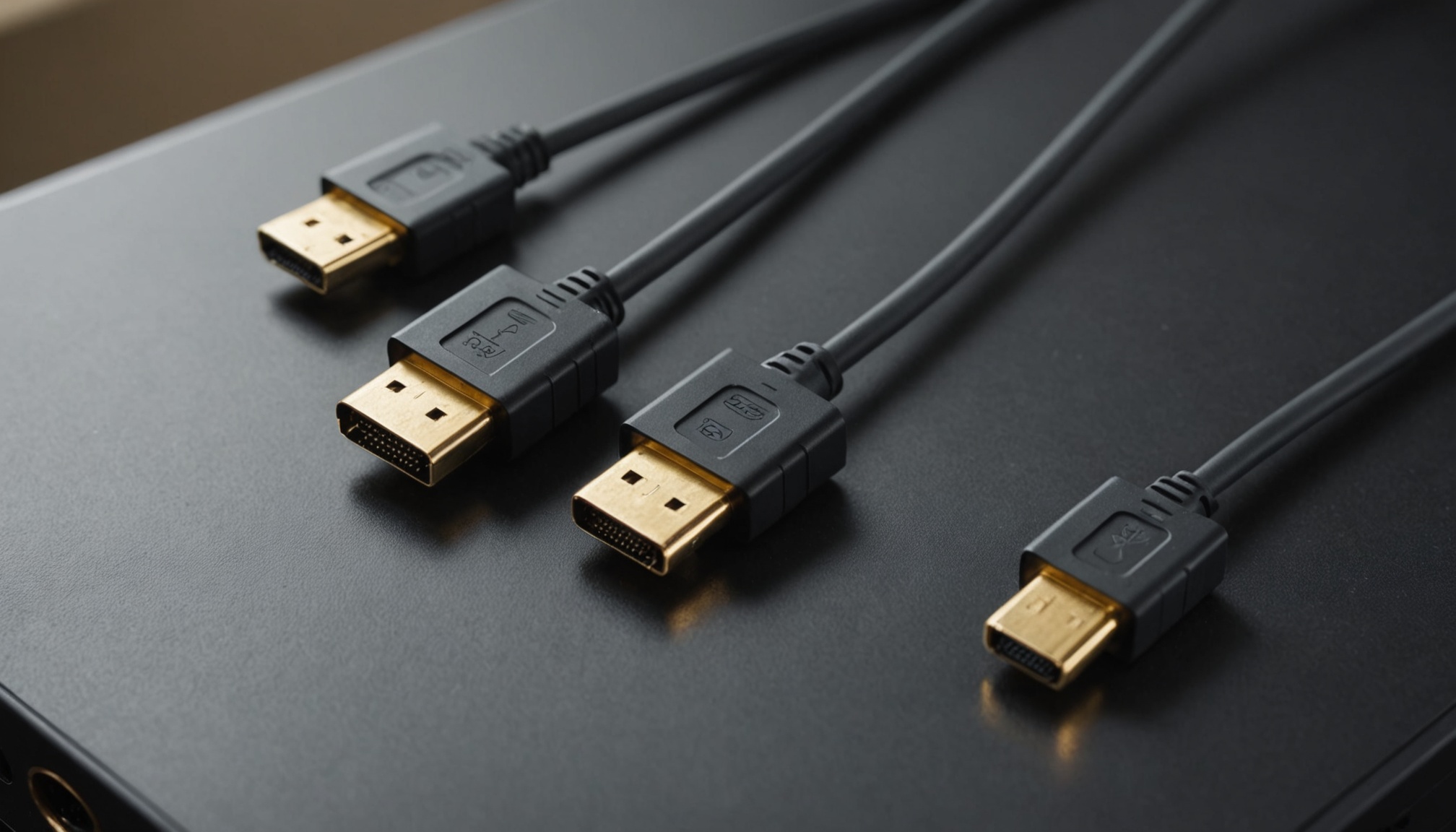
To use 4K 120Hz gaming, 8K video or features like VRR, you need HDMI 2.1 — and the cable has to be a certified Ultra High Speed one. Conversely, watching movies at 4K 60Hz is fine on existing HDMI 2.0. One thing separates them: bandwidth. Version 2.0 carries 18Gbps total; 2.1 carries 48Gbps, about 2.7 times wider.
Based on published specifications, and drawing on TheaterCalc's HDMI 2.0 vs 2.1 comparison and ViewSonic's HDMI 2.1 explainer, here is the required bandwidth computed by resolution and refresh rate.
Bandwidth Is Everything — 18Gbps vs 48Gbps
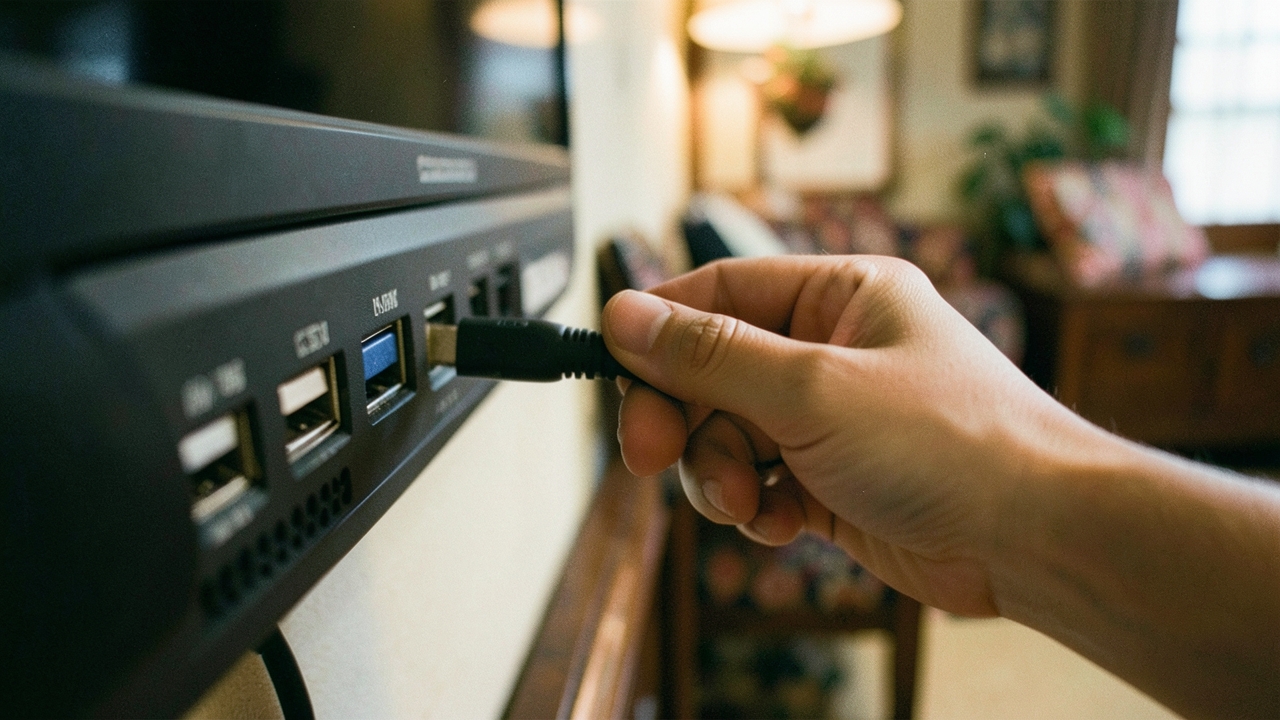
HDMI 2.0's total bandwidth is 18Gbps, but after transmission overhead the effective data available for video is about 14.4Gbps. HDMI 2.1 offers 48Gbps total with roughly 42.6Gbps effective — nearly triple, because the signaling changed from TMDS to FRL. This gap governs resolution, refresh rate and gaming features alike.
| Item | HDMI 2.0 | HDMI 2.1 |
|---|---|---|
| Total bandwidth | 18 Gbps | 48 Gbps |
| Effective data | ~14.4 Gbps | ~42.6 Gbps |
| Max video | 4K 60Hz | 4K 120Hz (up to 144)·8K 60Hz |
| VRR·ALLM | No | Yes |
| QFT·QMS | No | Yes |
| Audio return | ARC (compressed) | eARC (lossless, up to 37Mbps) |
| Recommended cable | High Speed | Ultra High Speed (certified) |
Why 4K 120Hz Won't Run on 2.0
The data a single video frame demands can be estimated as width × height × refresh rate × color depth (RGB, 3 channels). Computing the required bandwidth for key modes uncompressed (RGB 4:4:4) and comparing it against each version's effective data shows exactly where you hit a wall.
| Resolution·refresh | Color depth | Required bandwidth (approx.) | HDMI 2.0 (14.4) | HDMI 2.1 (42.6) |
|---|---|---|---|---|
| 4K 60Hz | 8-bit | ~12 Gbps | OK | OK |
| 4K 60Hz | 10-bit (HDR) | ~15 Gbps | Borderline (via 4:2:2) | OK |
| 4K 120Hz | 8-bit | ~24 Gbps | No | OK |
| 4K 120Hz | 10-bit | ~30 Gbps | No | OK |
| 8K 60Hz | 10-bit | ~60 Gbps | No | Needs DSC |
4K 120Hz needs about 24Gbps uncompressed, which simply won't fit inside 2.0's 14.4Gbps. 8K 60Hz (~60Gbps) exceeds even 2.1's 42.6Gbps effective, so it must be sent with DSC (Display Stream Compression). 4K 60Hz 10-bit HDR sits right at the edge on 2.0, which is why it is commonly squeezed through with color subsampling like 4:2:2.
Even at the same 4K resolution, the moment you add refresh rate and color depth the required bandwidth doubles or triples — that number, not the connector, decides whether the picture appears.
Do You Need a New Cable?
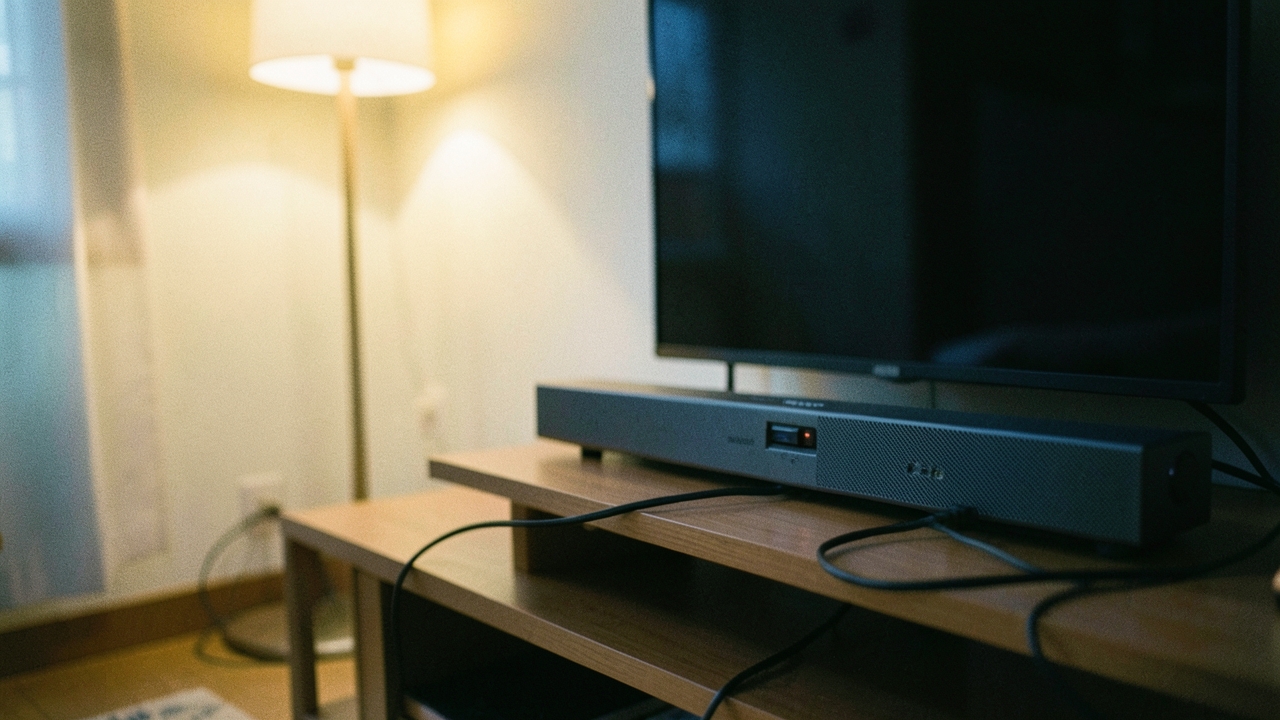
A 2.1 device is useless if the cable can't keep up. To carry HDMI 2.1's 48Gbps losslessly you need a certified Ultra High Speed HDMI cable. Older High Speed (2.0-class) cables only guarantee 18Gbps, so if the screen flickers or drops signal at 4K 120Hz, suspect the cable first. Certified cables carry a QR authentication mark on the packaging, and since longer runs lose more bandwidth, staying within 3 meters is advised.
Conversely, if you only go up to 4K 60Hz there is no real benefit to switching to Ultra High Speed. Just remember that the lower of the two — the device's HDMI port version or the cable grade — sets the real ceiling on performance.
VRR and eARC — Where Gaming and Sound Diverge
HDMI 2.1 didn't just widen bandwidth; it added gaming and audio features. VRR (Variable Refresh Rate) matches the display's refresh to the GPU's output to cut tearing and stutter, and ALLM auto-switches to game mode to lower input lag. To properly use a modern console's 4K 120Hz and VRR, the TV/monitor and the cable must all be 2.1.
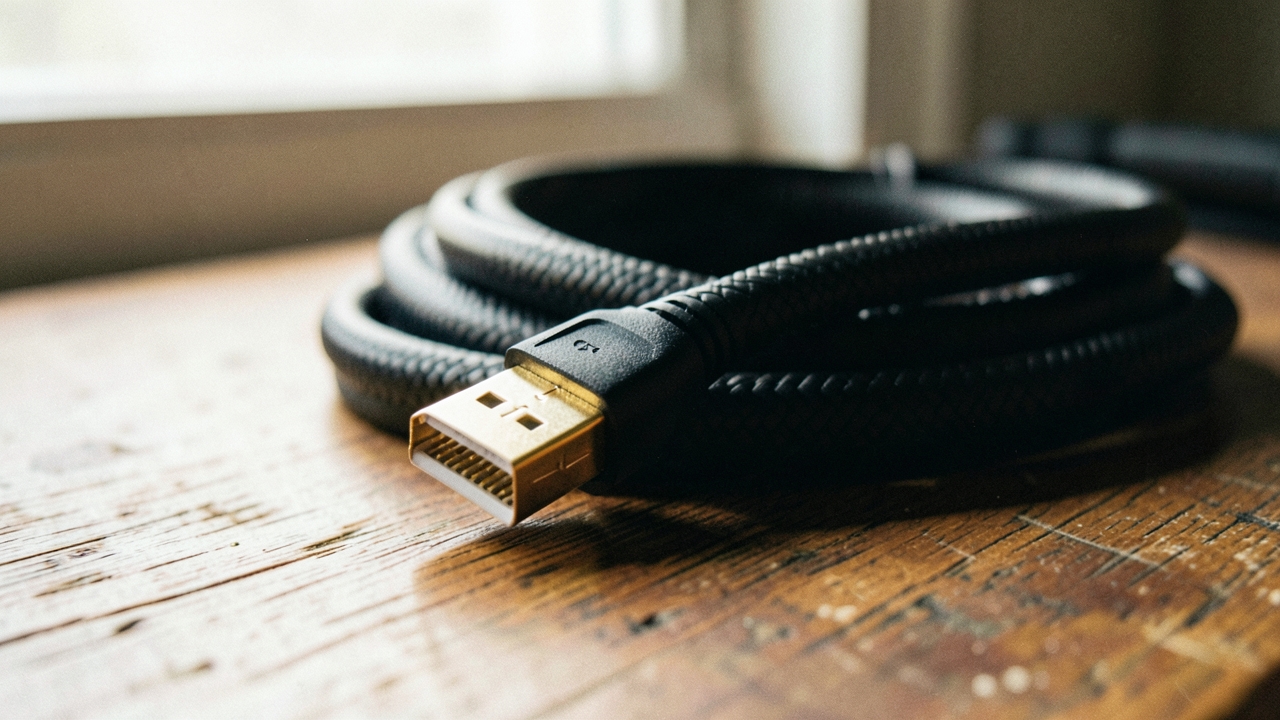
On sound, eARC is the fork in the road. The old ARC only carried compressed audio, but eARC passes lossless Dolby Atmos and DTS:X from the TV to a soundbar or receiver at up to 37Mbps. To enjoy lossless immersive audio from TV apps, both the TV and the soundbar need eARC ports. Reading the numbers on a spec sheet here works the same way as with Bluetooth versions — don't just read the version number, look at what it actually unlocks.
Who It Suits / When to Wait
- If you plan to game at 4K 120Hz on a modern console or PC, or use VRR, match the TV, monitor and cable all to HDMI 2.1.
- To hear lossless Atmos through a soundbar, first confirm eARC support on both the TV and the soundbar.
- If you only watch movies and OTT at 4K 60Hz, existing HDMI 2.0 and a High Speed cable are enough — no real reason to switch.
- The lower of device port and cable grade caps performance. If 4K 120Hz won't display, check first whether the cable is certified Ultra High Speed.
- 8K still requires DSC even on 2.1. With 8K content scarce today, 4K 120Hz support is the practical benchmark.