Mechanical keyboard switches fall into three families — linear (Red, Black), tactile (Brown), and clicky (Blue). Red glides down quietly with no catch, Brown gives your finger a bump, and Blue adds an audible click on top of that bump. Among linears, the heavier one is Black. The color in the name is really a code for family and weight.
Three specs matter when choosing: family (linear / tactile / clicky), actuation force (the grams needed to register a keystroke), and noise. Putting the four switches into one table on published Cherry MX specs gives you the skeleton of the choice.
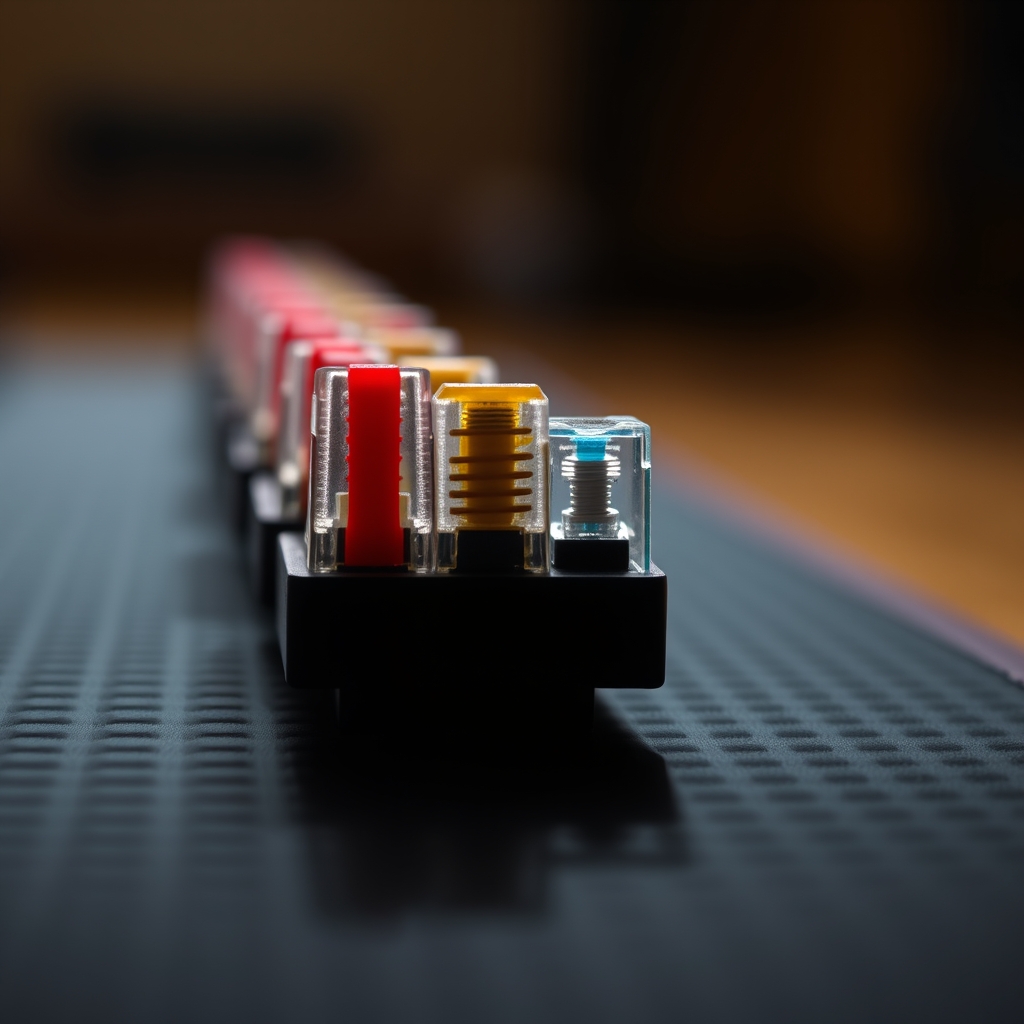
Red, Brown, Blue, Black in one line of spec
The table below organizes measured specs on published Cherry MX figures. Actuation point is the depth at which the key registers; total travel is the distance to the bottom. Figures can vary by about plus or minus 5g across brands and lots.
| Switch (color) | Family | Actuation (g) | Actuation pt (mm) | Total travel (mm) | Noise |
|---|---|---|---|---|---|
| Red | Linear | 45 | 2.0 | 4.0 | Low |
| Brown | Tactile | 55 | 2.0 | 4.0 | Medium |
| Blue | Clicky | 60 | 2.2 | 4.0 | High |
| Black | Linear | 60 | 2.0 | 4.0 | Low |
Red and Black, both linear, keep constant resistance all the way down with no catch. The only difference is weight — a 45g Red taps out quickly, while a 60g Black asks for more finger force despite being linear too. Brown has a tactile bump where resistance breaks once near the actuation point, so 'it just registered' reaches your fingertip. Blue is that same bump with a physical click sound added.
A switch's name is a spec code, not a mood — the color marks the family, the number marks the weight on your finger.

Red for gaming, what for the office — the order to choose
Narrow the choice in the order 'weight, then feedback, then noise.' First, if long typing tires your hands, a light switch like the 45g Red is a candidate; if you mistype often and want a solid landing, the 60g-class Black or Blue. Second, if you want to feel the moment of actuation, go tactile (Brown); otherwise linear (Red, Black). Third, if the space must stay quiet, the loud Blue is out.
Mapping the specs onto use cases looks like this. The trade-off is that lighter actuation means faster repeats but a higher chance of accidental presses.
| Use case | Priority spec | First pick | Avoid |
|---|---|---|---|
| FPS / fast repeats | Light force, quick response | Red (45g linear) | Black (heavy) |
| Long-form typing | Tactile feedback, accuracy | Brown (55g tactile) | Red (mistype-prone) |
| Shared office | Low noise | Silent Red / Brown | Blue (click) |
| Heavy landing feel | High actuation force | Black (60g linear) | Red (too light) |
If noise is the worry, a 'Silent' option matters more than the family. Silent variants add dampening to the stem to cut sound — in one measurement a Silent Red came in around 35.6dB, actually quieter than a membrane keyboard at about 43.2dB. Think of family as choosing feel and the Silent option as choosing sound, separately.

As important as force — keycaps, housing, lubing
Even with the same Red switch, a finished keyboard's feel is not decided by the switch alone. Keycap material (ABS vs. PBT) and thickness, the housing's sound structure, and the state of stabilizers and lubing shift both sound and feel considerably. The spec sheet's force and actuation point tell you the switch's character; the final typing feel is a function of build quality. If you are budgeting peripherals for a new desktop, the sensible move under the principle of splitting budget by part is to treat the keyboard as a long-lived input device, not a consumable.

Who each switch fits
- Gamers / fast repeats: 45g Red — a light linear that prioritizes response. If you mistype, step up weight with a Silent Black
- Office / long typing: 55g Brown — a tactile bump balancing accuracy and noise. Add a Silent option for shared spaces
- Enjoying the mechanical feel and sound: 60g Blue — when you want the click too, but only in a private room
- Prefer a heavy linear: 60g Black — when you dislike misfires and want a solid landing
- Undecided: pick a hot-swap board and swap two switch types in to compare directly