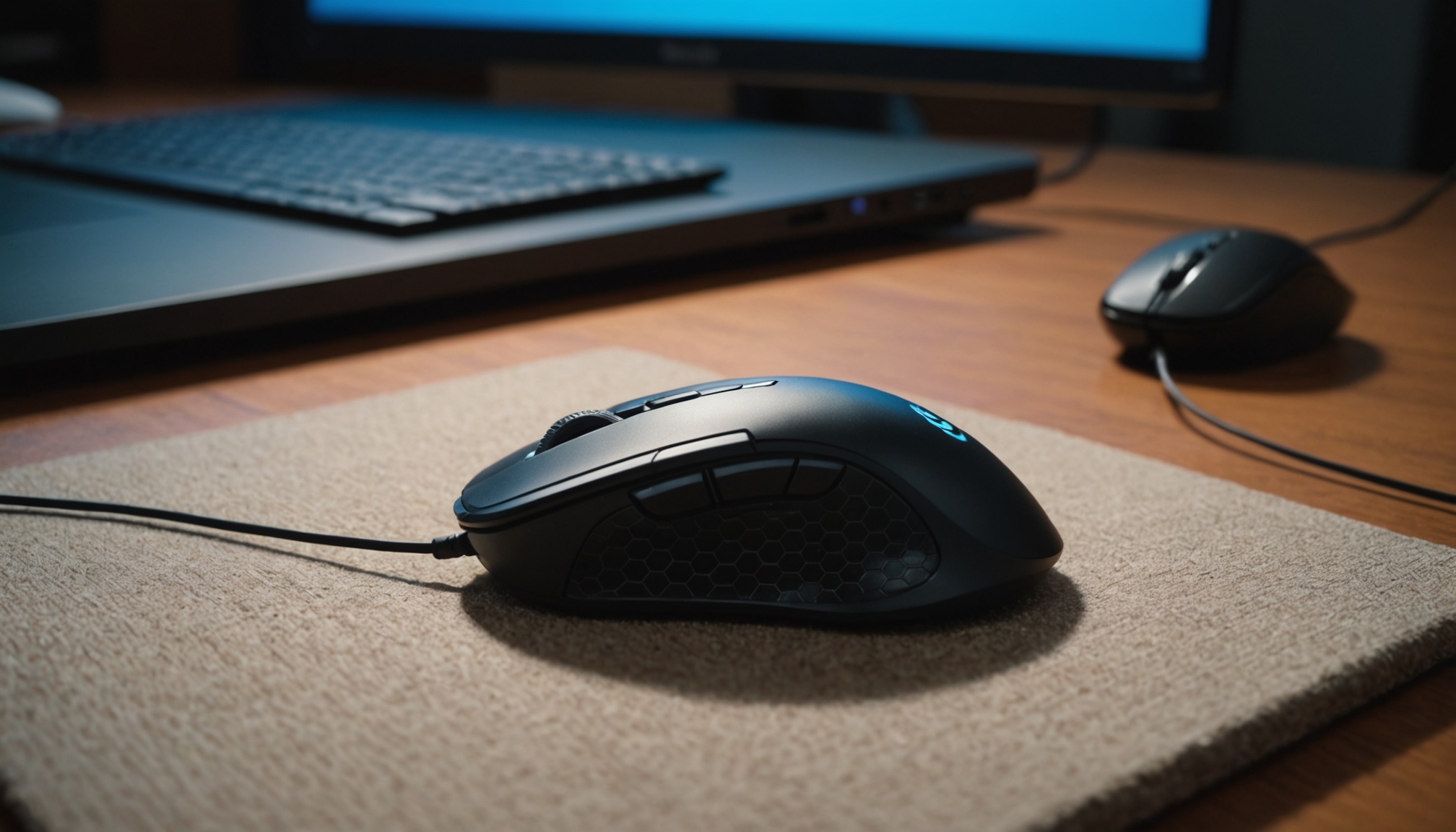
The 26,000 or 42,000 DPI printed in large type on a gaming mouse's product page is nearly useless for a buying decision, because most users stay within 400–1,600 DPI. As of 2026, the battleground for competitive mice is not DPI but three things: weight, sensor accuracy and wireless latency. Whether a mouse has a roughly 50g ultralight body, a stable optical sensor and a stutter-free 2.4GHz wireless link comes first.
TILNOTE's 2026 comparison of lightweight wireless gaming mice lands in the same place — the felt difference comes from weight in hand and sensor stability, not the top number on the spec sheet.
Why the DPI Number Is Mostly Marketing
DPI (or CPI) is how many pixels the cursor moves when you move the mouse one inch. A bigger number means the cursor travels far with a small movement — it is not 'accuracy.' Per AJD's mouse spec guide, real usage sits mostly in this range.
- FPS (aim precision): 800–1,600 DPI low sensitivity — aiming with the whole arm
- MOBA / general work: 1,600–3,200 DPI — crossing the screen quickly
So even a 40,000-DPI ceiling goes unused in practice. When evaluating a mouse, look not at the maximum DPI but at whether it stably supports the range you will use, and whether the sensor stays steady there.
Polling Rate: The Real Gap Between 1000Hz and 8000Hz
Polling rate is how many times per second the mouse reports its position to the PC. You can compute the interval directly as 1,000 ÷ polling rate (Hz) in milliseconds (ms). The table below calculates the key tiers.
| Polling rate | Interval (ms) | Tier / feel |
|---|---|---|
| 125Hz | 8ms | basic office |
| 500Hz | 2ms | entry gaming |
| 1,000Hz | 1ms | gaming standard |
| 4,000Hz | 0.25ms | high-end |
| 8,000Hz | 0.125ms | top tier |
The jump from 125Hz to 1,000Hz cuts 8ms to 1ms — a 7ms drop you can feel. But 1,000Hz to 8,000Hz is only 1ms to 0.125ms, a mere 0.875ms difference. The gain at the top is far smaller than the number suggests, while 8,000Hz raises CPU load and battery drain. For most people, 1,000Hz is plenty.
The biggest number on the spec sheet is usually the one you feel the least — whether it is 42,000 DPI or 8,000Hz.
Sensor and Weight: Today's Battleground
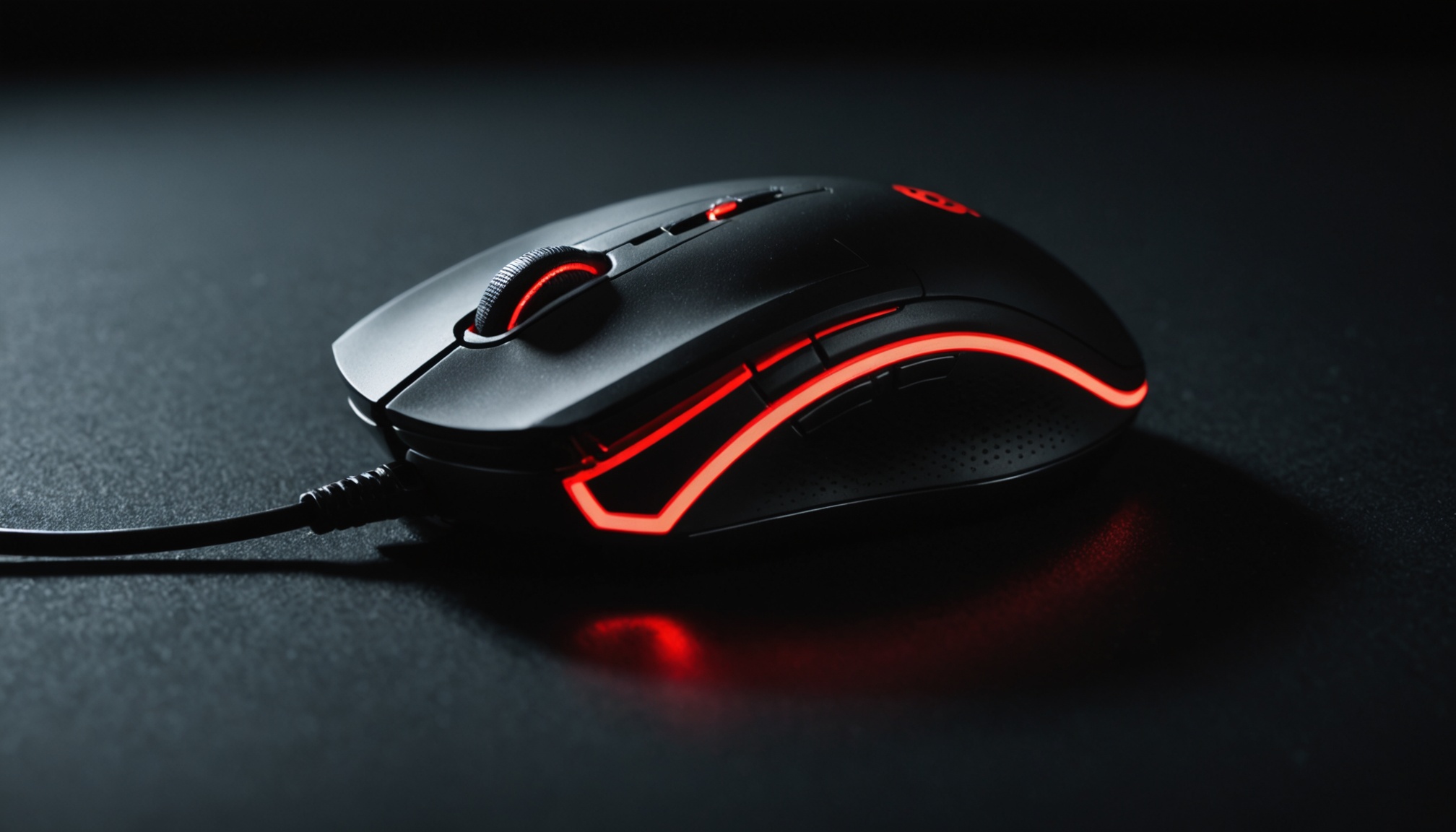
Gaming mice almost all use optical sensors. The current top optical sensors are PixArt's PAW3950 and PAW3395, and what matters here is not the peak DPI but two figures. IPS (inches per second) is the top tracking speed the sensor can follow without dropping, and acceleration (G) is the limit it can withstand under sudden bursts. The lower your sensitivity and the bigger your arm swings in FPS, the more a high IPS matters in practice.
Weight is the axis that has changed most visibly. Sub-50g ultralights are now mainstream, with some in the 30g range. Lighter reduces wrist fatigue over long aiming sessions, but too light can feel unstable and make static aim wobble. Weight is not an absolute good — it must match your hand size and grip. For wireless, a 2.4GHz dongle is standard; Bluetooth's latency makes it unfit for competitive play.

What to Prioritize by Use Case
Grouping these figures into priorities by use case gives the following, organized from publicly available specs.
| Use case | Recommended DPI | Weight priority | Polling rate |
|---|---|---|---|
| Competitive FPS | 800–1,600 | very high (ultralight) | 1,000Hz+ |
| MOBA / RTS | 1,600–3,200 | medium | 1,000Hz |
| Office / general | 800–2,000 | low (stability) | 1,000Hz is enough |
Just as with allocating a full desktop budget, the answer for a mouse is not the most expensive one but the one that fits your hand and use. Matching polling rate with your monitor's refresh rate balances input and output latency.
Who It Suits
- If you play FPS seriously: roughly 50g ultralight + top optical sensor + 2.4GHz wireless at 1,000Hz or more. 8,000Hz is nice to have, not essential.
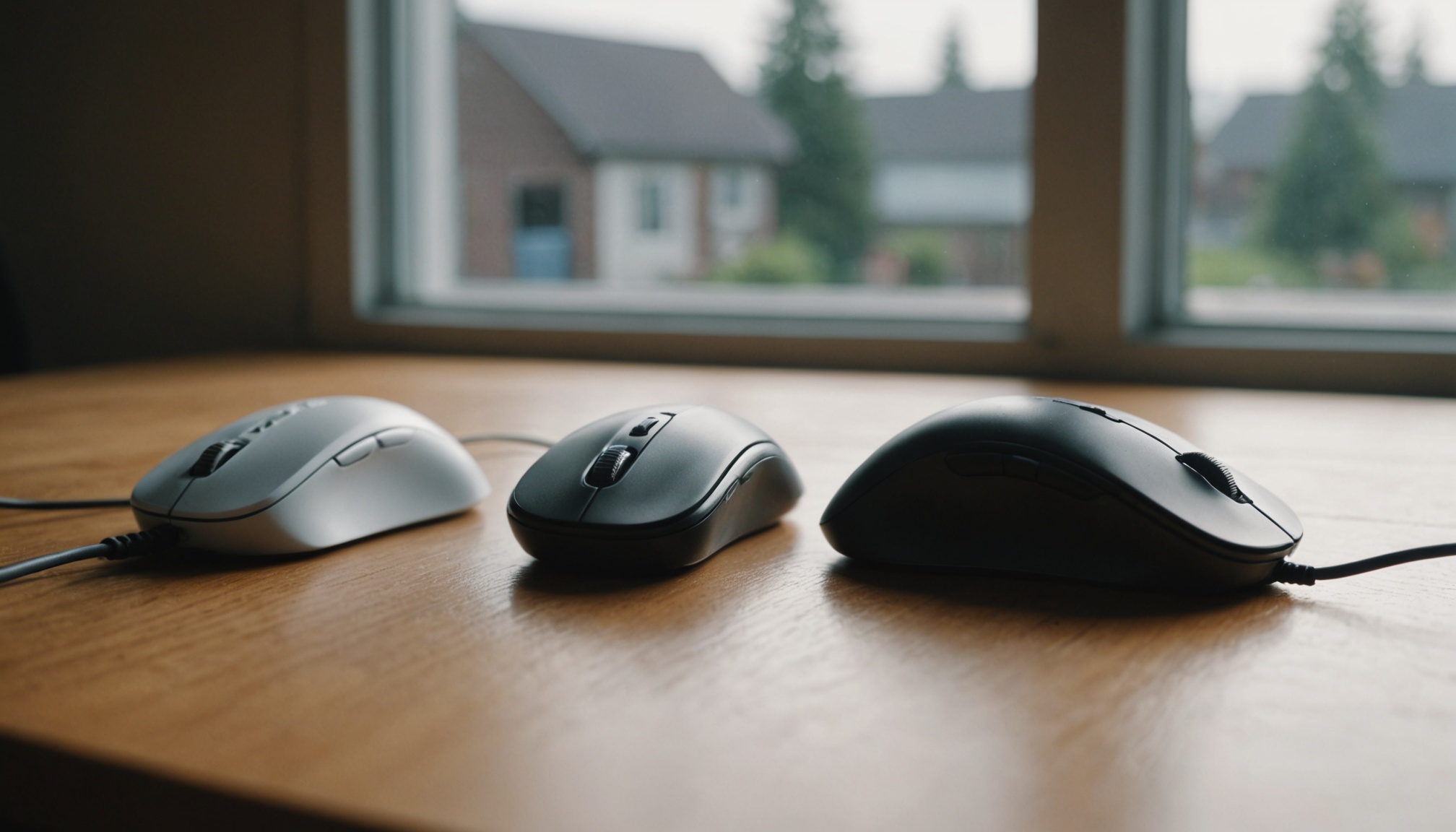
- If mainly MOBA or work: grip and button layout matter more than weight. Find your DPI between 1,600 and 3,200.
- If office or general use: little reason to pay a premium for ultralight or ultra-high polling. A well-fitting size and a stable 1,000Hz is enough.
- If you can wait: if your current mouse already runs 1,000Hz with an optical sensor, there is little reason to rush a new model that only adds bigger numbers.