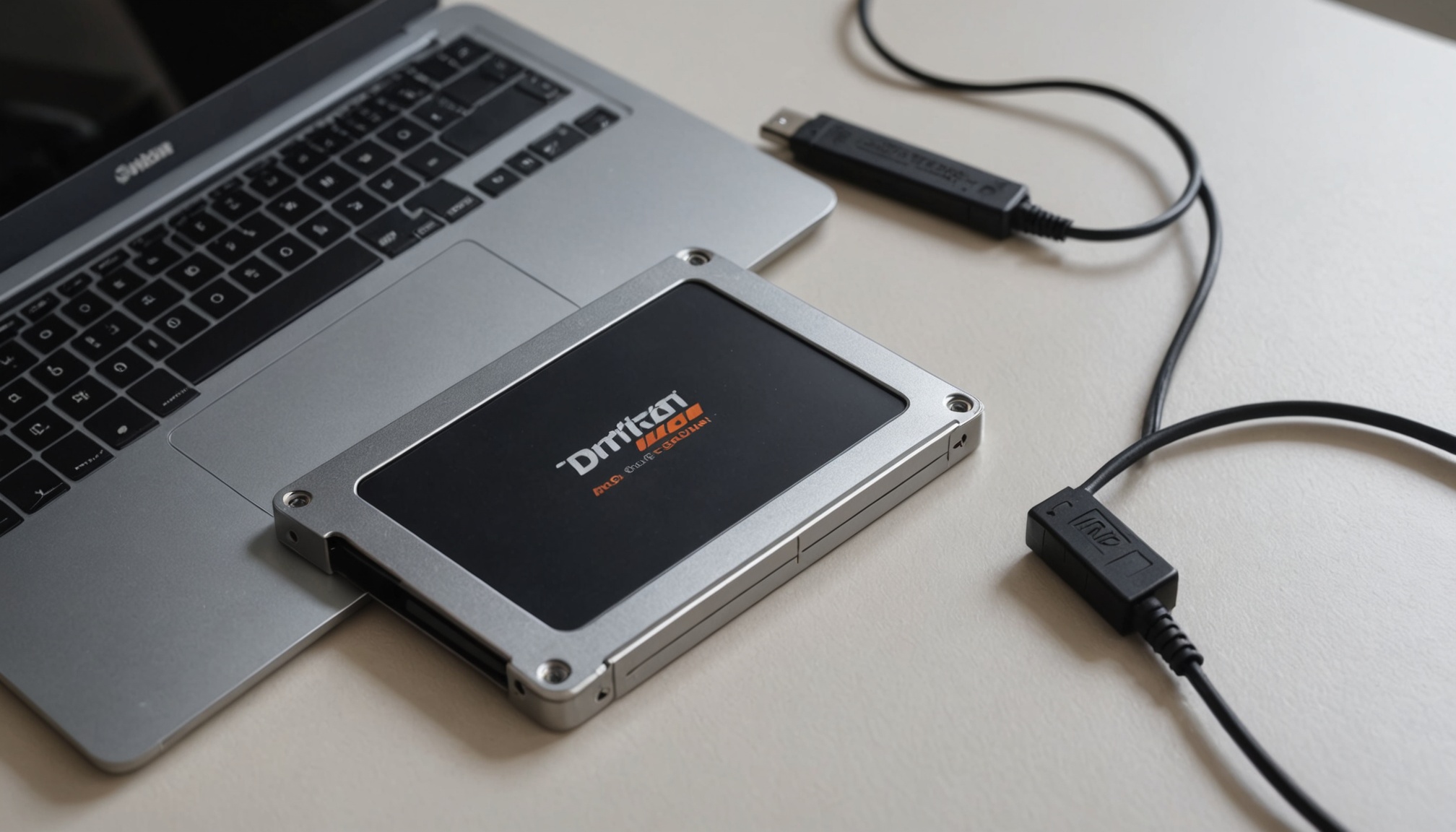
Why a 1TB SSD shows up as 931GB
Drive makers count 1GB as one billion bytes; Windows counts it as 1,073,741,824. Same storage, two rulers, so 1TB reads as 931.32GB. Here is how to tell where the unit difference ends and formatting overhead begins.
Drive makers count 1GB as one billion bytes; Windows counts it as 1,073,741,824. Same storage, two rulers, so 1TB reads as 931.32GB. Here is how to tell where the unit difference ends and formatting overhead begins.
QLC drives match TLC only while the SLC cache holds. Once it drains, writes collapse to 50-150MB/s and a 100GB copy stretches to nearly 12 minutes — and the fuller the drive, the sooner that cliff arrives.
Burning a 1TB SSD's 600TBW inside five years takes 329GB of writes a day. At 20GB a day it takes 82 years. Converted to DWPD, every capacity lands on the same 0.33.
A PCIe 5.0 SSD reads sequentially at 14,800MB/s, roughly double a Gen4 drive. Measured game load times differ by under 0.2 seconds. Here is the bandwidth, heat and endurance math that explains the gap between the two facts.
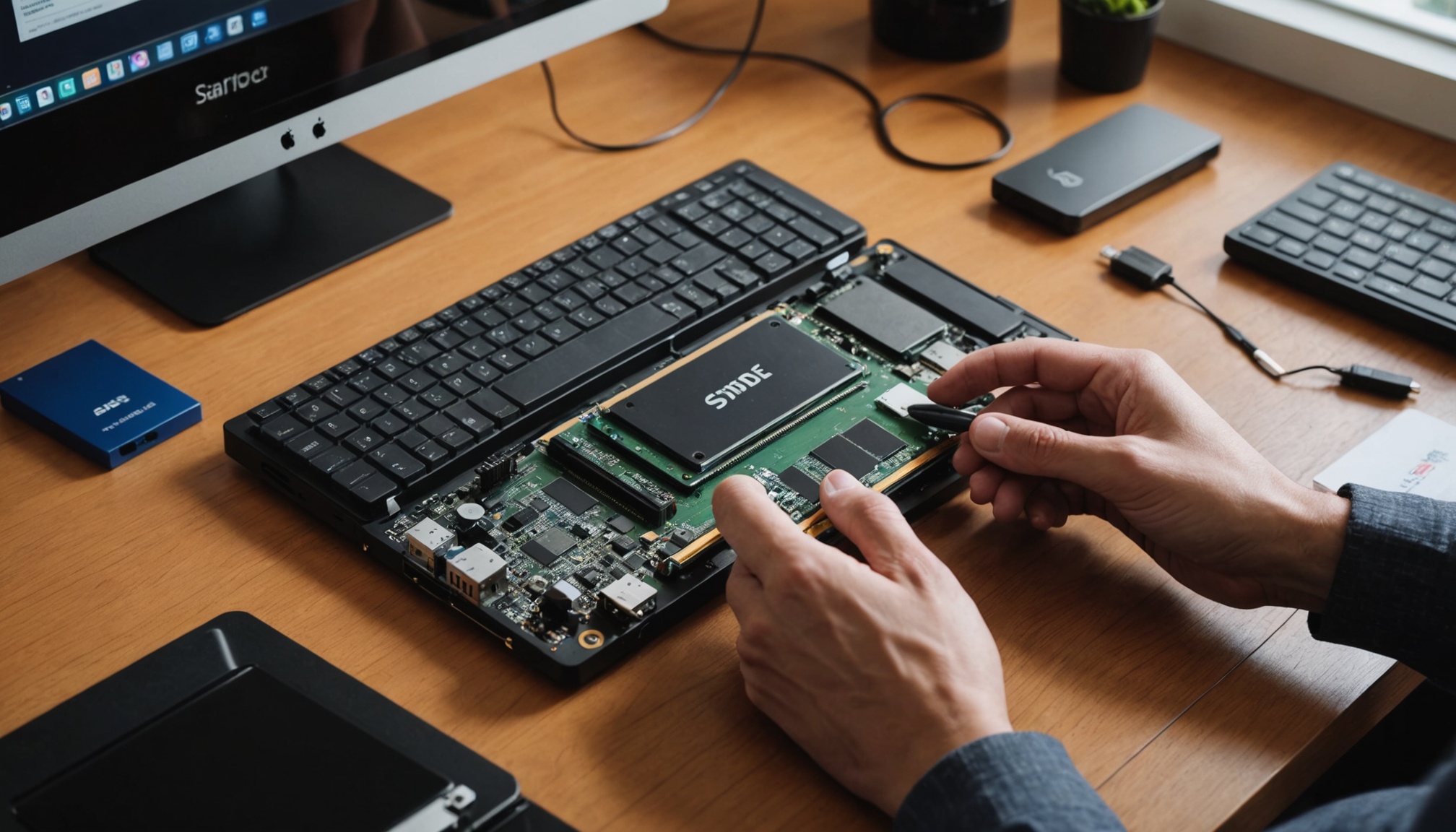
SATA tops out at 550 MB/s; NVMe PCIe 4.0 reaches 7,500 MB/s — specs differ by 10x, but boot-time feel is similar. Here is where the gap actually opens up and what to check before looking at speed.