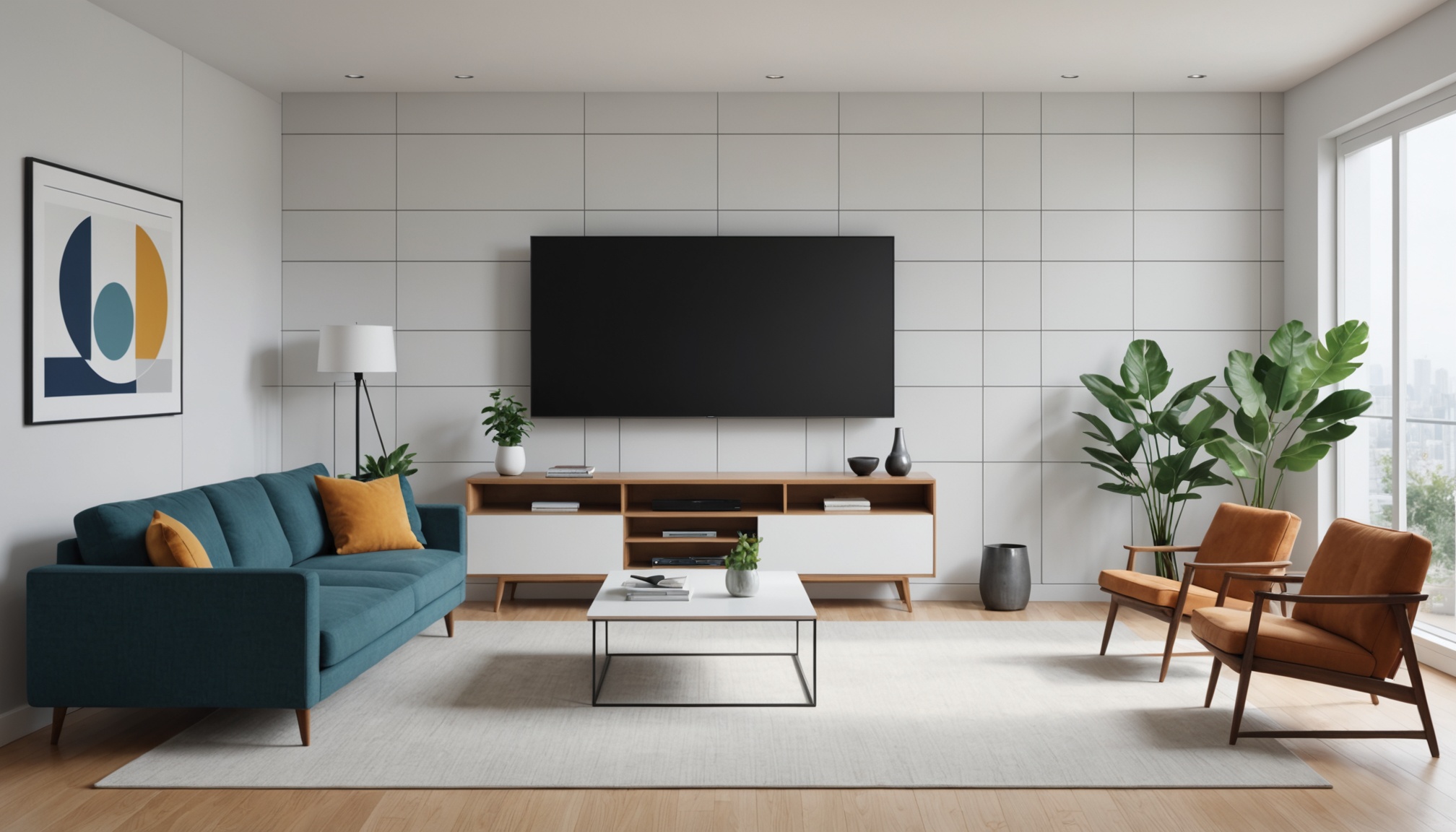
When buying a TV, it's tempting to think "bigger is better," but when screen size and viewing distance are mismatched, eye fatigue increases and even excellent picture quality won't deliver the experience you're after. Conversely, placing a small screen in a large living room means fine details get washed out. Choosing the right screen size is not primarily a question of budget or preference — it is a question of physical space and audiovisual engineering.
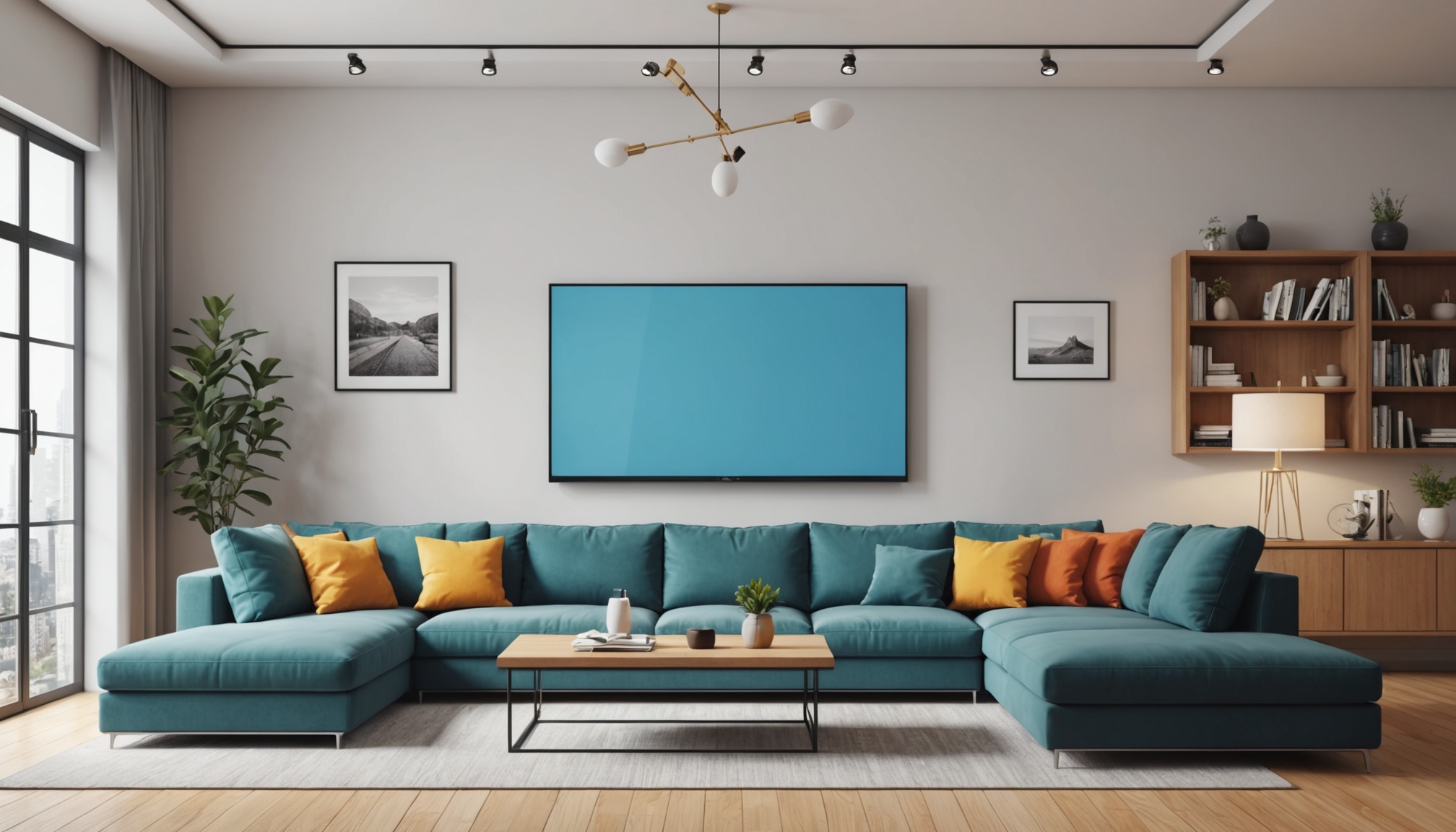
The Relationship Between Viewing Distance and Screen Size — Understanding the Formula
The most common method for calculating an optimal TV viewing distance uses a multiplier based on the screen's diagonal length. For Full HD (1080p), a viewing distance of roughly 1.5–2.5 times the screen diagonal is widely recommended; for 4K UHD, roughly 1.0–1.5 times. Because a 4K panel has a higher pixel density, pixels appear more tightly packed at the same distance, meaning you can sit closer without the screen looking grainy.
For example, a 55-inch TV has an actual diagonal of approximately 140 cm. For Full HD, the recommended viewing distance is 210–350 cm; for 4K, it narrows to 140–210 cm. For a 75-inch set, the diagonal is about 190 cm, and the optimal 4K distance is 190–285 cm. Knowing these figures in advance and measuring the sofa-to-TV distance in your own living room with a tape measure is the first step in choosing the right screen size.
Another benchmark recommended by audiovisual experts is "horizontal field of view." It is widely accepted that the highest immersion combined with the lowest fatigue occurs when the screen occupies roughly 30–40 degrees of the eye's horizontal field of view. Working backward from this criterion, when the viewing distance is 3 m, the optimal screen size works out to approximately 65 inches.
Domestic Housing Standards — Recommended Inch by Floor Plan Size
In Korean apartments, the sofa-to-TV-wall distance tends to converge within a range for each floor-plan size. Of course it varies with furniture arrangement and structural changes, but a typical rectangular living room layout gives a reasonable estimate of viewing distance.
The key to choosing a TV size is not "the biggest one" but "the one that looks sharpest at my viewing distance."
| Apartment size | Estimated sofa-to-TV distance (cm) | Recommended size (4K) | Recommended size (Full HD) |
|---|---|---|---|
| 10–15 pyeong (studio/small) | 150–200 | 43–50 inches | 43 inches or below |
| 20–25 pyeong (small-medium) | 200–250 | 55–65 inches | 50–55 inches |
| 30–33 pyeong (national standard size) | 250–300 | 65–75 inches | 55–65 inches |
| 40+ pyeong (large) | 300–400 | 75–85 inches | 65–75 inches |
The table above applies publicly available audiovisual engineering multiplier formulas to typical domestic living room dimensions and should be treated as estimates. Always verify the actual layout by measuring with a tape measure. Open-plan living rooms or LDK layouts (living room, dining room, and kitchen combined) in particular may have a much longer actual viewing distance than expected, so going one size up is worth considering.
How Resolution and Panel Type Affect Screen Size Selection
Even at the same screen size, the optimal viewing distance varies with resolution and panel technology. A 4K OLED and a 4K Mini-LED share the same 4K resolution but differ in pixel density and local dimming structure, which results in differences in fine-detail rendering. If budget constraints lead you to a Full HD set, sitting farther back than the formula above suggests is more effective at preventing visible pixels.
The relationship between screen height and eye level is also worth considering. The basic principle is to install the TV so the center of the screen is at seated eye level (approximately 90–110 cm from the floor). Installing a large TV at a high wall-mount position without a low stand concentrates strain on the neck, making long viewing sessions more fatiguing. For large sets of 75 inches or more, adjusting this mounting height has a substantial impact on practical usability.
HDR support is also relevant in the context of screen size selection. The larger the screen, the more pronounced the brightness peaks and color-gamut differences of HDR become visually. Below 55 inches, HDR effects may be relatively less noticeable, whereas at 65 inches and above, HDR10+ or Dolby Vision support clearly influences perceived picture quality.
Pre-Purchase Checklist — Three Physical Measurements for Determining Screen Size
Measuring the following three things and cross-referencing with the table above will make the screen size decision much clearer.
- Measure the viewing distance: Use a tape measure to get the straight-line distance from the sofa back to the wall where the TV will go (or the planned stand position). If you have plans to rearrange furniture, measure based on the post-rearrangement layout.
- Confirm the available installation width: Measure the allowable width of your TV stand or wall mount in advance. A 75-inch TV is approximately 167 cm wide; a 65-inch is approximately 144 cm. No matter how sufficient the viewing distance, a large screen simply cannot be installed if the space is too narrow.
- Identify your main viewing content: If 4K OTT streaming is your primary use, set the optimal distance based on a 4K panel. If cable or IPTV broadcast is your main source, the Full HD benchmark is more realistic.
- Households in 30-pyeong-or-larger living rooms who primarily watch 4K OTT → 65–75-inch 4K OLED or Mini-LED
- Singles in a 20-pyeong studio or one-bedroom who sit close for gaming and video → 55-inch 4K
- Anyone with 3 m or more of confirmed viewing distance who wants immersion → actively consider 75 inches or larger
- Viewing distance of 150 cm or less but considering 55 inches or more → risk of eye fatigue and field-of-view overload; reduce the size or reconsider after rearranging the layout
- Full HD broadcast-focused viewers eyeing a large 75-inch → sitting close may make pixel degradation perceptible; buy after increasing 4K content share
- Wall-mount installation width not yet confirmed → measure first; screen size decision comes after that