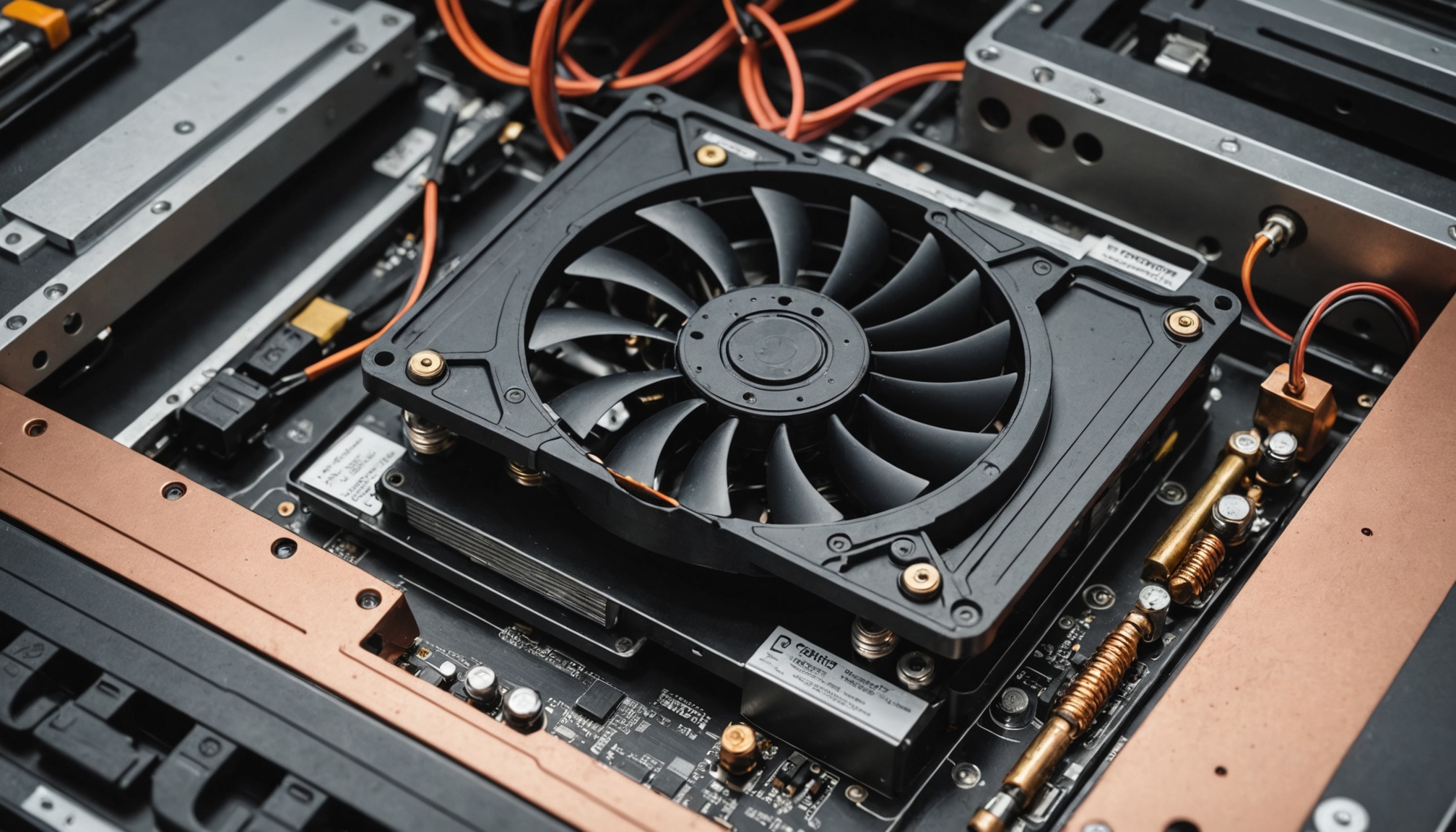
The TDP printed on a laptop spec sheet is not a single number. Intel's official product page for the Core Ultra 7 265H lists Processor Base Power of 28W, Maximum Turbo Power of 115W, and Minimum Assured Power of 20W side by side. Bottom to top, that is a 5.75x spread.
Which of those three the cooling and power delivery are built around is decided by the laptop maker, not by Intel. That is why finished machines carrying the same CPU name perform so differently. The review database Notebookcheck records Cinebench R23 multi-core scores for Core Ultra 7 155H laptops ranging from 9,769 to 19,007, averaging 14,965. Same chip, and the best result is 1.95 times the worst.
Pick a laptop by CPU model name alone and there is no telling which end of that 1.95x you get. The clues sit in three power figures and one time value.
The CPU name tells you the ceiling; the chassis cooling decides what you actually receive.
The spec sheet has more than one wattage
Intel's current mobile power notation has three layers. Processor Base Power is the design power for sustaining base clocks, Maximum Turbo Power is the ceiling permitted during boost, and Minimum Assured Power is the floor a manufacturer may not configure below. What used to be lumped together as a single TDP has been split into these three.
Applied to the 265H, the spread looks like this — and the battery column shows what each level means in practice. Those runtimes are the theoretical ceiling for a 70Wh battery drained by that power alone, before display, memory and storage draw.
| Power figure | 265H value (W) | vs Base (x) | Theoretical 70Wh runtime |
|---|---|---|---|
| Minimum Assured Power | 20 | 0.71 | 3 h 30 min |
| Processor Base Power | 28 | 1.00 | 2 h 30 min |
| Maximum Turbo Power | 115 | 4.11 | 36 min |
An ultraportable capped at 20W and a thick chassis opened up to 115W are working with power budgets 5.75x apart on the identical chip. The 265H packs 6 P-cores, 8 E-cores and 2 low-power E-cores for 16 total, boosting to 5.3 GHz. Driving all sixteen at that clock takes power, and a 20W budget will not hold it long. How to read the battery figure itself is covered in the laptop battery Wh explainer.

PL2 lasts 56 seconds; after that it is PL1
There are two ceilings because of time. Intel's power limits split into PL1 and PL2, joined by a time value called Tau. As Quasarzone lays out, PL1 is the power state at base frequency, PL2 the state when the chip climbs to higher turbo frequencies, and Tau determines how long PL2 is held. The standard Tau is typically 56 seconds.
The same piece notes that although the Core i9-9900K carries a PL2 of 119W, most OEMs extend Tau effectively to infinity and set 160 to 180W instead. Measured draw of 260W on an i9-10900K and 229W on an i7-10700K comes from the same practice. Once a maker touches Tau, the spec sheet becomes a reference point rather than a limit.
Feed Tau of 56 seconds into the 265H's 115W PL2 and 28W PL1 and you can compute how average power collapses as a workload lengthens.
| Workload length | At PL2 (115W) | At PL1 (28W) | Average power (W) | vs Base (x) |
|---|---|---|---|---|
| 1 minute | 56 s | 4 s | 109.2 | 3.90 |
| 3 minutes | 56 s | 124 s | 55.1 | 1.97 |
| 10 minutes | 56 s | 544 s | 36.1 | 1.29 |
| 30 minutes | 56 s | 1,744 s | 30.7 | 1.10 |
In a one-minute test average power sits at 109W, practically pinned to PL2; across thirty minutes it converges to 30.7W, practically PL1. That is the whole explanation for short benchmarks looking excellent while long renders and compiles feel slow. What matters at purchase is not the peak score but sustained performance after ten minutes under load.

Why identical 155H machines differ by 1.95x
Notebookcheck's 155H aggregate shows how far that gap opens in shipping products. Like the 265H, the 155H is rated 28W base and 115W turbo with 6 P-cores, 8 E-cores and 2 low-power E-cores. Laptops built on it score anywhere from 9,769 to 19,007 in Cinebench R23 multi.
Scores are abstract, so convert them to time. Below, a multi-core job that takes ten minutes on an average machine is scaled inversely by score. These are calculations from published benchmark aggregates and will differ from any specific real workload.
| Implementation | R23 multi (pts) | vs average (%) | Ten-minute job becomes |
|---|---|---|---|
| Lowest-scoring laptop | 9,769 | 65.3 | 15 min 19 s |
| Average | 14,965 | 100.0 | 10 min 00 s |
| Highest-scoring laptop | 19,007 | 127.0 | 7 min 52 s |
On a single ten-minute job the worst and best implementations are 7 minutes 27 seconds apart. Run ten such jobs a day and cooling design alone costs or saves over an hour. That is how choosing the thicker model within a generation can beat moving up a CPU generation.

Thin or thick — which one fits
The logic runs both ways. A machine capped at 20W trades performance for quiet, cool operation and battery life. If documents and video calls fill most of the day, average load never approaches PL1, and a chassis opened to 115W has only added weight and fan noise.
On published specifications alone, the split looks like this.
- Thick suits you if video encoding, code compilation or batch photo processing — anything holding all cores for more than three minutes — recurs in your day. Past Tau, the PL1 band is your real performance, so thermal headroom is output speed.
- Thin suits you if your loads finish in tens of seconds. PL2 covers that band, so even a 20W design feels close, and the weight and battery gains are real.
- Wait if the product page lists only a CPU model name with no base or maximum power figures. In a market where one name spans 1.95x, the name alone does not tell you what you are buying.
The items worth checking also sit outside the model name: the manufacturer's published sustained power setting, the performance delta between fan profiles, and the adapter's rated output. If adapter output falls short of maximum turbo power plus display and memory draw, the battery drains even while plugged in and performance is throttled. The same gap between headline spec and delivered result shows up in how to read NPU TOPS claims.